MixVibes MAYA 44 SPECIAL EDITION user’s guide
11
MixVibes DVS LE (Digital Vinyl System Light Edition)
1. Included: 45 RPM control vinyl record
Plug the ground of your turntable to the back of your MAYA 44 SPECIAL EDITION
soundcard. Then plug your Cinch Turntable cable to the input section of your MAYA 44
SPECIAL EDITION. Take the audio connector of your left hand turntable, and plug it in the
inputs number 1 and 2. Make sure you pay attention to the colors.
Put the needle on the control vinyl record once it’s on the turntable.
2. Software setup
Insert MixVibes DVS installation CD. A window will automatically open. In the case it won’t
open, please look in your Windows explorer and click on the CD-ROM section. Then,
double click on “install.exe” to launch the program.
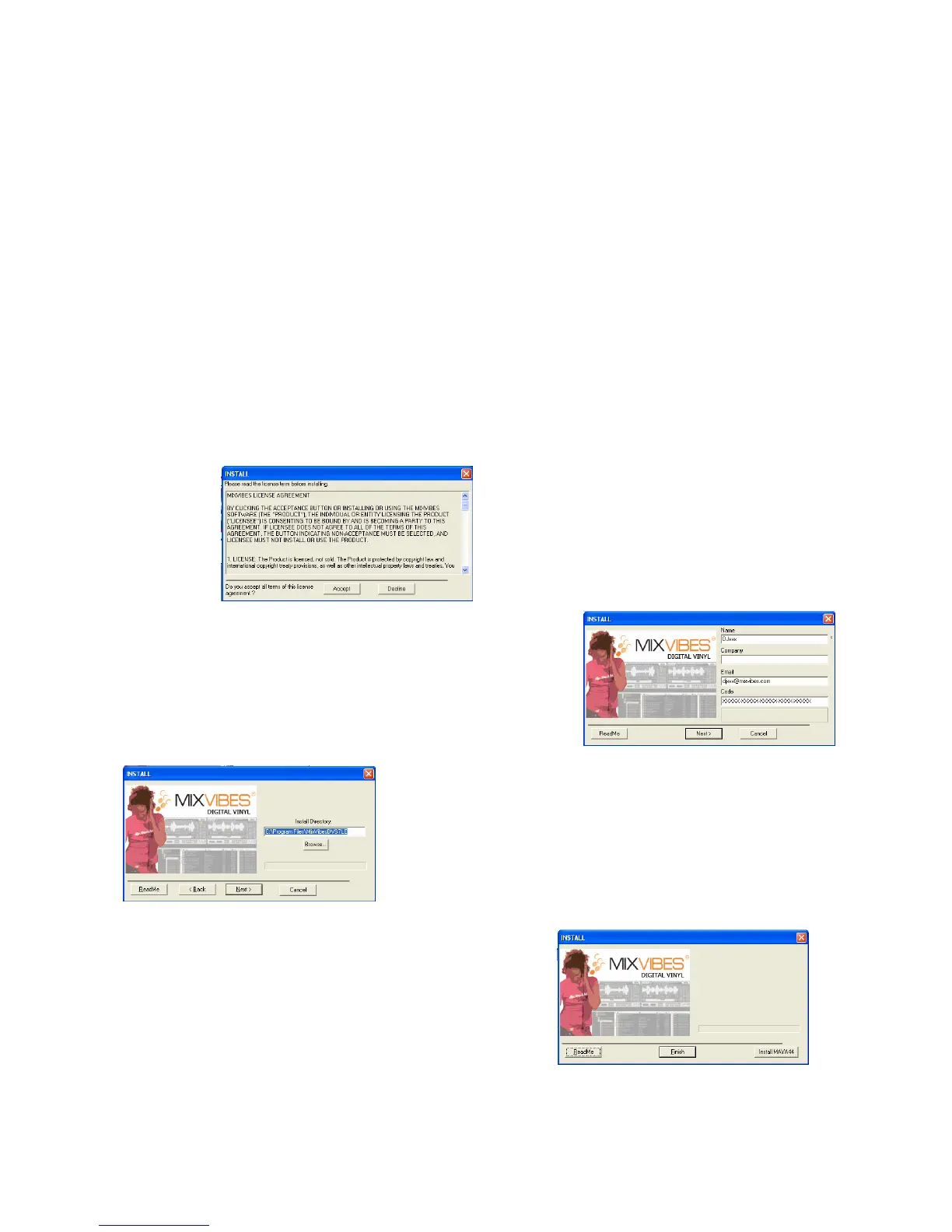
Read carefully and accept the software licence:
Enter your name, company (optional), email and the
serial number. You will find the serial number on the back
of the CD sleeve.
Choose the installation path. Click on browse if you want
to change the path.
Click on next.
You can install the MAYA 44 SPECIAL EDITION
driver at the end of the setup. It is not necessary to
install it again if you already did. Then click on finish
to end the setup.
You are now ready to control your mp3s with a
turntable or a keyboard.



 To Next Page