MixVibes MAYA 44 SPECIAL EDITION user’s guide
14
Mac OS X
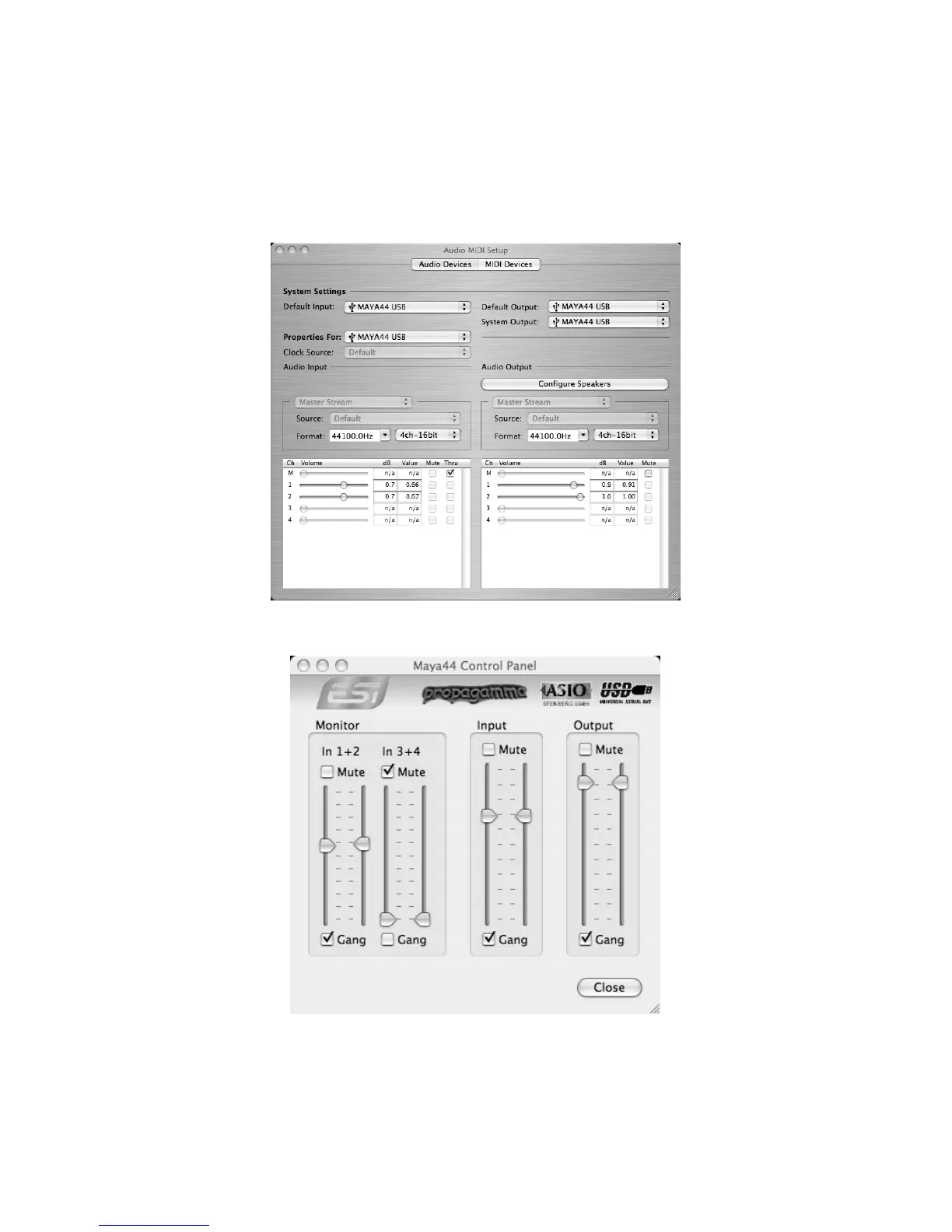
After connecting your MAYA 44 SPECIAL EDITION to your Macintosh, open your Audio
MIDI setup panel and select your MAYA 44 SPECIAL EDITION as default audio device for
Default Input and Default Output.
Install MAYA 44 SPECIAL EDITION control panel from the driver CD.
The controls are identical to the Mixer controls (for the ASIO driver under Windows) as
described on Page 8.



 To Next Page