MixVibes MAYA 44 SPECIAL EDITION user’s guide
13
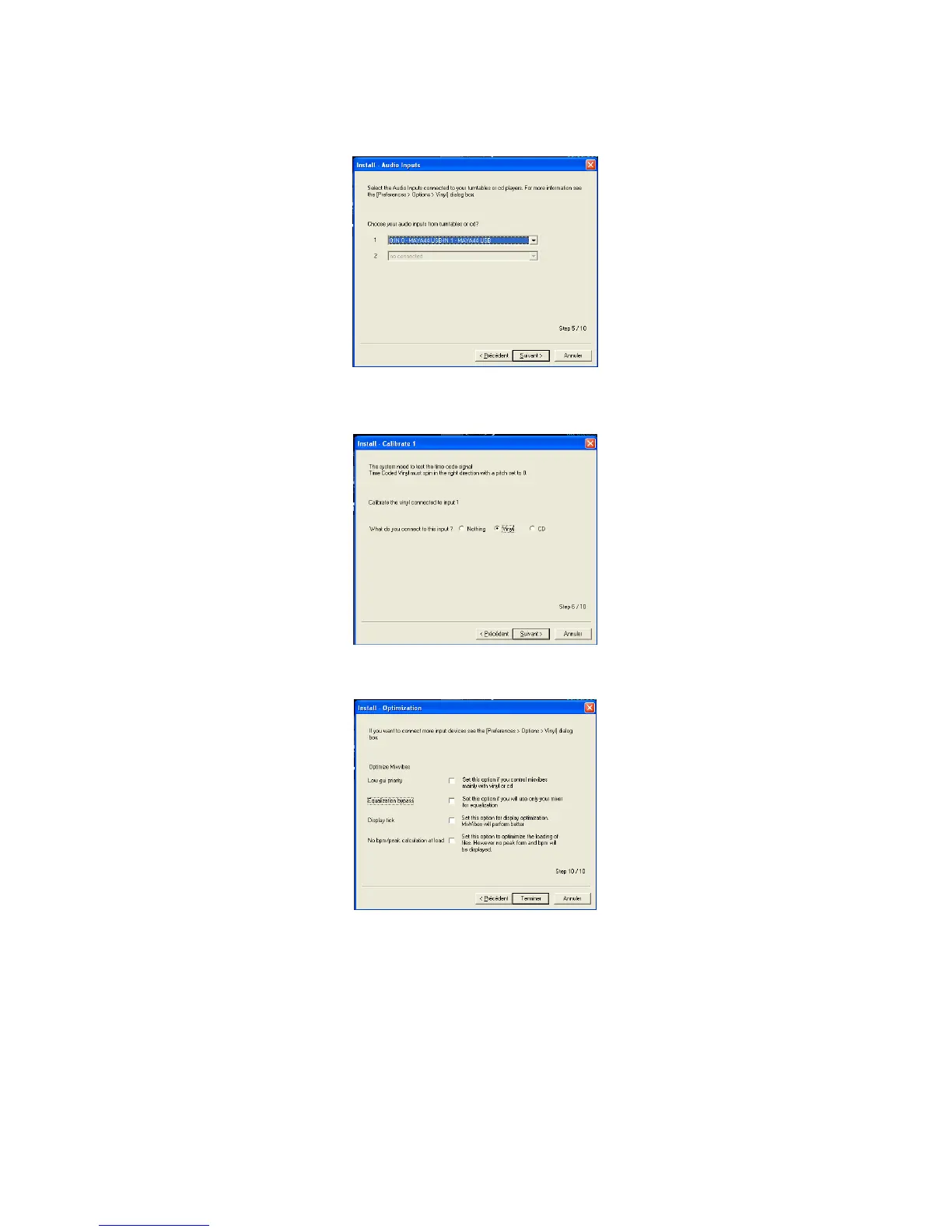
Click on next. Choose the input where your turntable is connected:
Next, calibrate your turntable: turn on your turntable (put the needle at the beginning of the
track for the vinyl). Then, click on next.
At last, you can optimize your DVS such as lower the GUI priority for a high performance:
Click on finish. Your software is now ready for use.



 To Next Page