LET’S PLAY
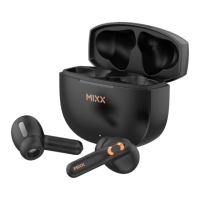
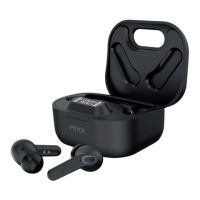
Remove both earbuds from the case.
Go to the Bluetooth settings on
your audio device to select
‘MIXX StreamBuds Pico’ from the list.
Once paired successfully you will
hear ‘Connected’.
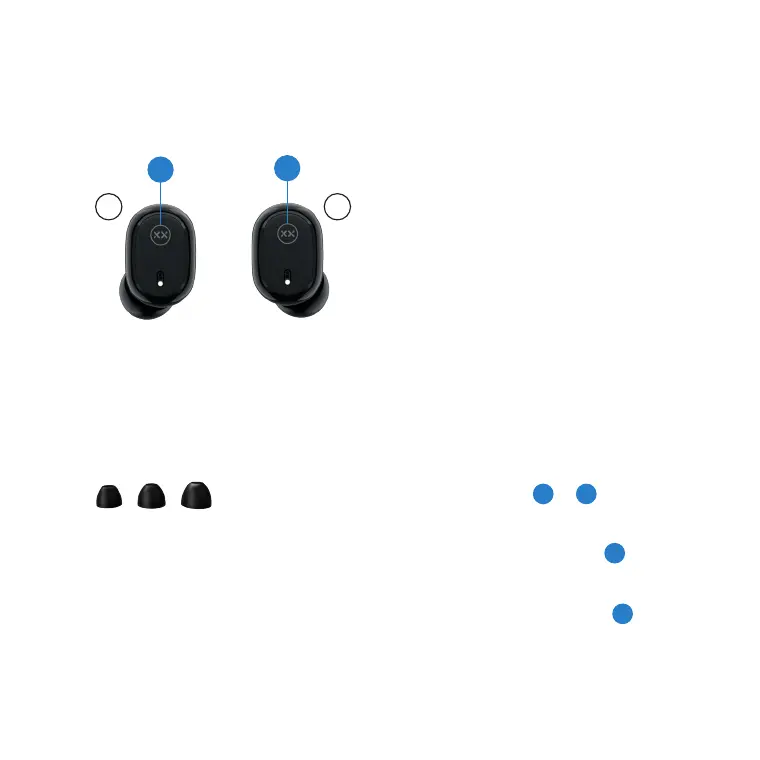
NOTE: Check the back of the earbuds
for (L) and (R) letters to ensure you
place them in the correct ears.
Play / Pause
Long press for 2 seconds
either Touch Sensor or .
Decrease Volume
Single tap LEFT Touch Sensor
Increase Volume
Single tap RIGHT Touch Sensor
First Time Pairing
1 3
1
3
TOP TIP: For better noise isolation,
comfort and sound quality ensure
the correct sized (S, M or L)
ear cushions (supplied) are fitted
on the earbuds.
L R
1
3
7 8



 To Next Page