EasyManua.ls Logo

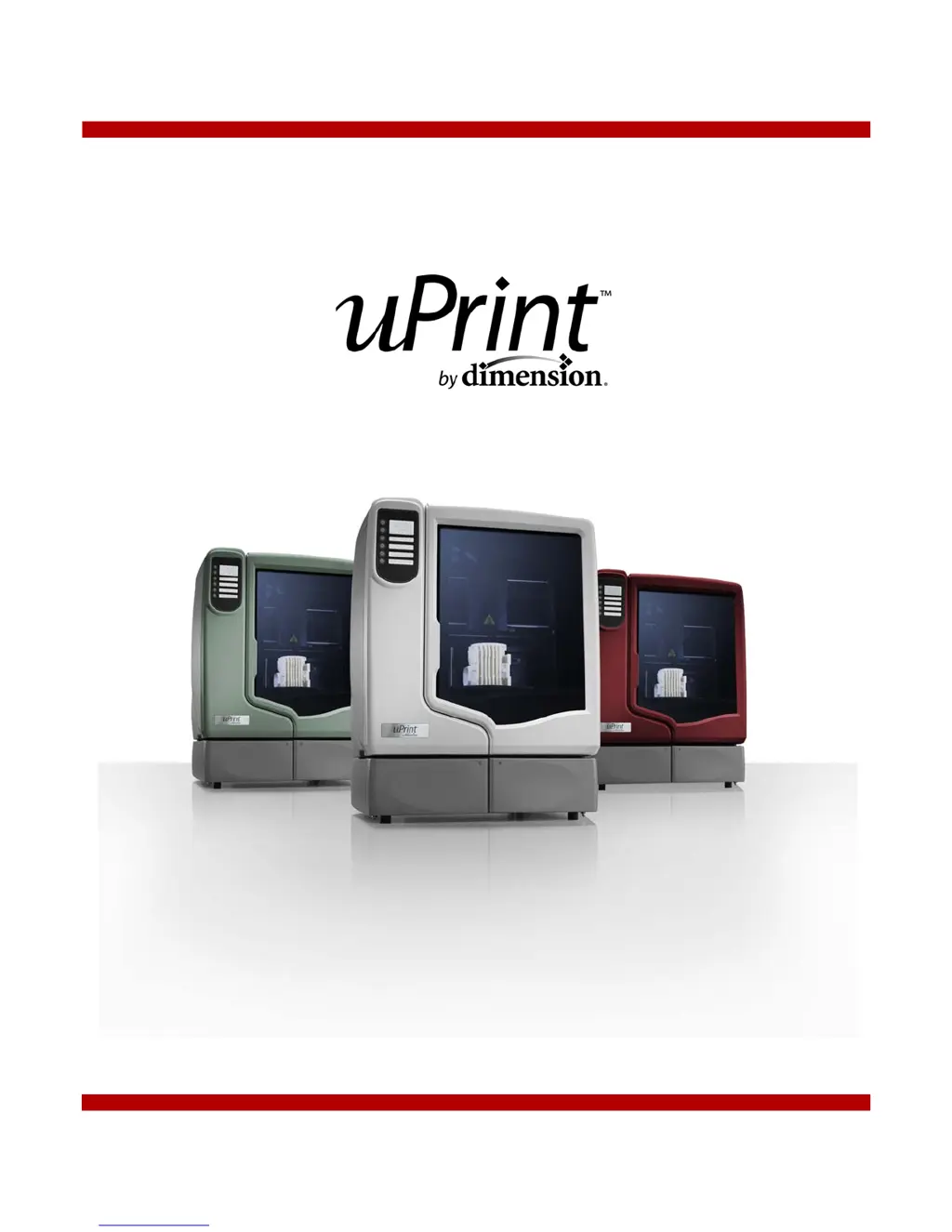
µ-Dimension 180-00108 uPrint - User Manual

Default Icon
76 pages
Print Icon
To Next Page IconTo Next Page
Loading...
User Guide

Table of Contents

Questions and Answers

Summary

Safety Precautions and Warnings

Safety Classifications and Hazard Symbols

Explains safety classifications, warnings, and hazard symbols used in the manual.

Understanding Your uPrint Printer

Setting Up Your uPrint 3 D Printer

Operating Your uPrint 3 D Printer

Processing and Printing STL Files

Guides on opening, scaling, orienting, and printing STL files.

Print Job Management

Instructions for starting, pausing, resuming, canceling builds, and removing completed parts.

Material Management and Handling

Procedures for emptying purge buckets, replacing material spools, and managing material bays.

Troubleshooting and Maintenance

Troubleshooting Common Issues

Provides solutions for common problems and error messages based on a checklist.

Diagnosing and Resolving Extrusion Problems

Guides on identifying loss of extrusion and clearing clogged extrusion tips.

Component Maintenance and Replacement

Procedures for replacing tip wipe assembly, tip shields, and extrusion tips.

Extrusion Tip Calibration

Detailed steps for calibrating extrusion tips after replacement for optimal performance.

Preventive Maintenance Schedule

Support and Customer Service

µ-Dimension 180-00108 uPrint Specifications

General IconGeneral
Brandµ-Dimension
Model180-00108 uPrint
Category3D Printers
LanguageEnglish

Related product manuals