Notice:
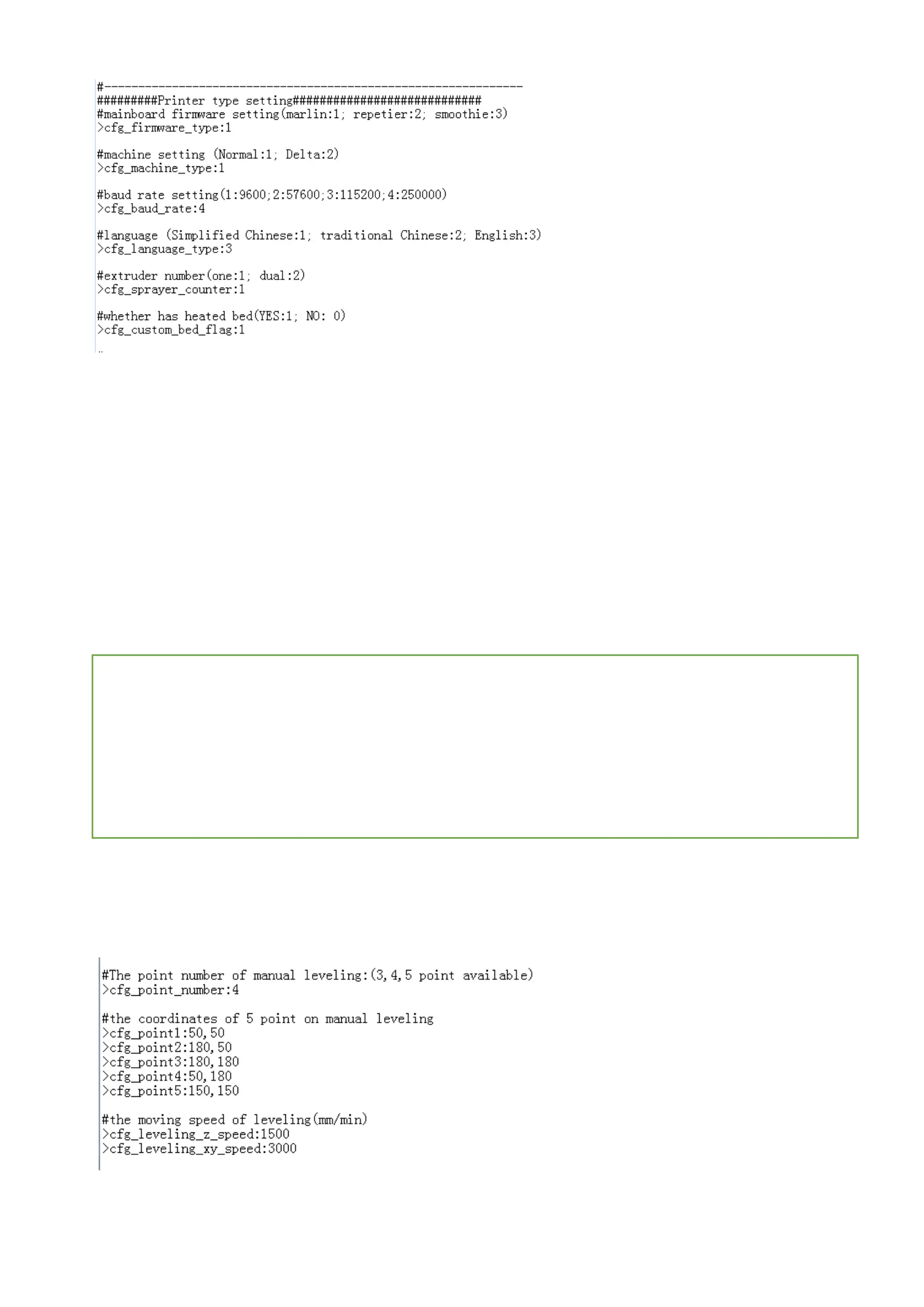
3.1. For communicaion, the baud rate of the TFT display must be same as the controller board.
3.2. To avoid the conflict with the USB interface, it is not advisable to connect the USB and TFT display at the same time.
3.3. Click “set>File Sys>U disk” when using U disk, only on this way can the TFT display show U disk file.
4. Multiple language Settings
Support 5 different languages :
1: Chinese
2:Traditional Chinese
3:English
4:Russian
5:Spanish
It’s available to set whether enable multiple language.
4.1.Disable multiple language: the use is the same as before. The words are on the pictures, so the shown language is achieved
by flashing the pictures.
4.2.Enable multiple language: It’s available to set whether enable multiple language.
5. Automatic Leveling and Manual Leveling
5.1. It’s available to choose auto leveling function if the printers are equipped with the leveling device. You just need to click
“set>Leveling” on the UI interface.
Notice: If you use the controller board running smoothieware firmware, you should choose G32 on config.
5.2. Manual leveling can be used to the common printers, such as MB and I3. You just need to set the three points, four points or
five points that are needed to level on the heated bed in the TFT config. As shown below,
6. Filament Replacing Function
Filament replacement function helps easily replace the filament, moreover, users can replace the filament by clicking “Pause”
#multi-language(enable:1, disable:0)
>cfg_multiple_language:1
#languages setting (simplified Chinese:1; traditional Chinese:2; English:3; Russian:4; Spanish:5). This
configuration is valid when "cfg_multiple_language" is disabled.
>cfg_language_type:1


 To Next Page