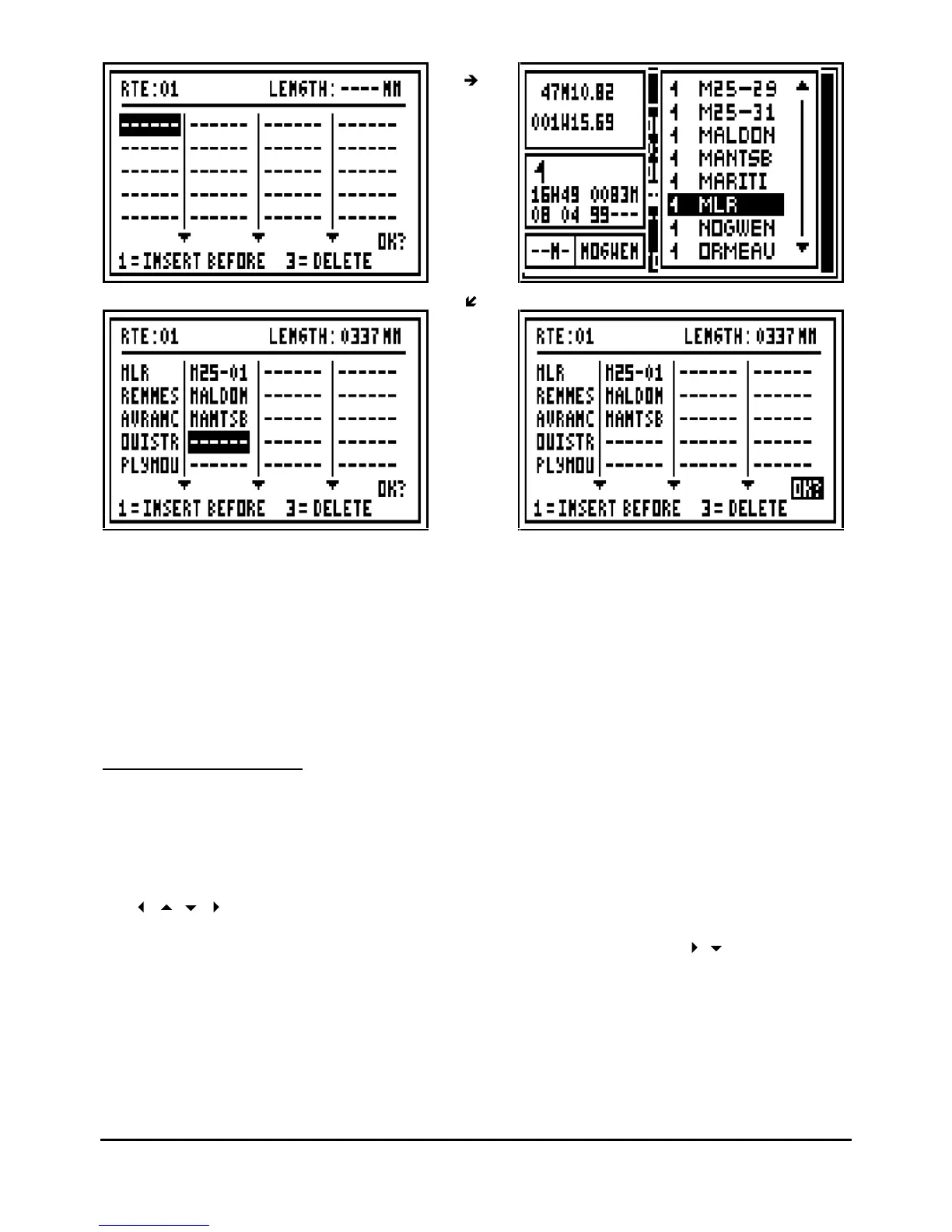
No
te 1 : A route is made with a minimum of 2 waypoints and a maximum of 20 waypoints.
Note 2 : Once the route is entered the total length of the route is shown at the top right of the
display.
Tip : If you make any mistake while entering your route, you w
ill be able to correct it by pressing
the key 1 to INSERT A WAYPOINT BEFORE (before the cursor) or by pressing the key 3 to
DELETE A WAYPOINT.
4.6.
–
MODIFY A ROUTE
From the GOTO ROUTE function, press the
Menu
key then press key 4 (or select 4-
MODIFY
and
press
Enter
), the list of the route is displayed. Select from the list the route to modify and
press
Enter
.
The list of waypoints in the route will now be shown. Select the waypoints to be modified using
the
arrow keys or to place the cursor at the end of the list in order to add a new
waypoint in the route. Press the key 1 to insert a waypoint before the cursor. Press the key 3 to
delete a waypoint. To validate your modifications select the
OK?
using the
arrow keys and
press
Enter
.



 To Next Page