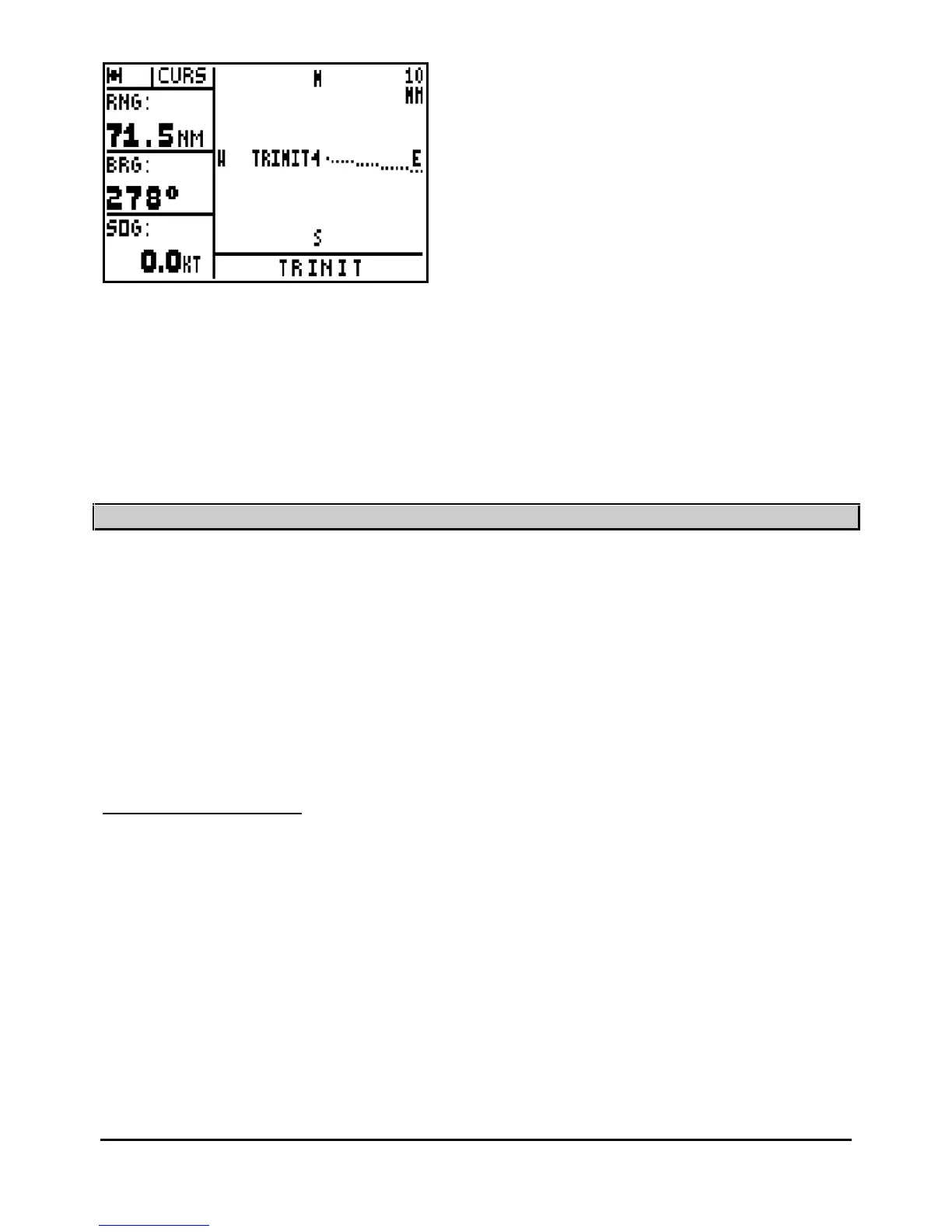
Note : Press the
Plot
key will enable you to return to the plotter mode where the vessel position
is centred on the screen.
Tip : If your waypoint does not appear in the centre of the screen, it means you have chosen in
the paragraph B.5.3 the Active waypoint only option.
____________________
6
–
MAN OVER BOARD (MOB) AND MARK FUNCTIONS
The MAN OVER BOARD and the MARK functions are activated with the
Mark/Mob
key. The
operati
on of these two functions depends on the MARK/MOB configuration within the SYSTEM
MENU (see chapter 7 paragraph C.7.1.7). Your GPS is pre-
set in MOB.
MOB function = One press only on the
Mark/Mob
key to activate the MAN OVER BOARD
(MOB) function.
MARK AND MOB function = One press only to activate the MARK (EVENT / WAYPOINT)
function and at least three presses to activate the MAN OVER BOARD (MOB) function.
6.1.
–
MOB ACTIVATION
This function allows you to instantly record in an emergency your position
(e.g. man overboard).
The MOB function displays the bearing to follow to return to the MOB position. The distance,
your speed and course are also displayed. The circle in which the MOB is displayed is intended
to give greater accuracy for returning to the
MOB position. If you move off the MOB position, the
screen scale will be modified automatically to keep the MOB position permanently in the centre
of the screen.



 To Next Page