10
ADJUSTING THE AUTOMATIC SETTINGS
Adjusting the automatic settings requires four daily time bands to be set, with a
temperature linked to each of them.
The week is divided into three sectors:
• Weekdays (Monday to Friday)
• Saturday
• Sunday
4. To set the rst time band, press and hold the PRG button for 3 seconds; the
minutes will start ashing. Adjust the value using the Up and Down buttons.
Each press of the button will change the value by 15 minutes.
5. Press PRG again; the temperature will start to ash. Adjust the value using the
Up and Down buttons.
6. Press PRG again and the program number will advance to the next time band,
and the minutes will start ashing again. Repeat the operation for each time
band for the weekdays, then for Saturday and for Sunday.
7. Once the program has been set, press the back button until you reach the
main screen.
Example:
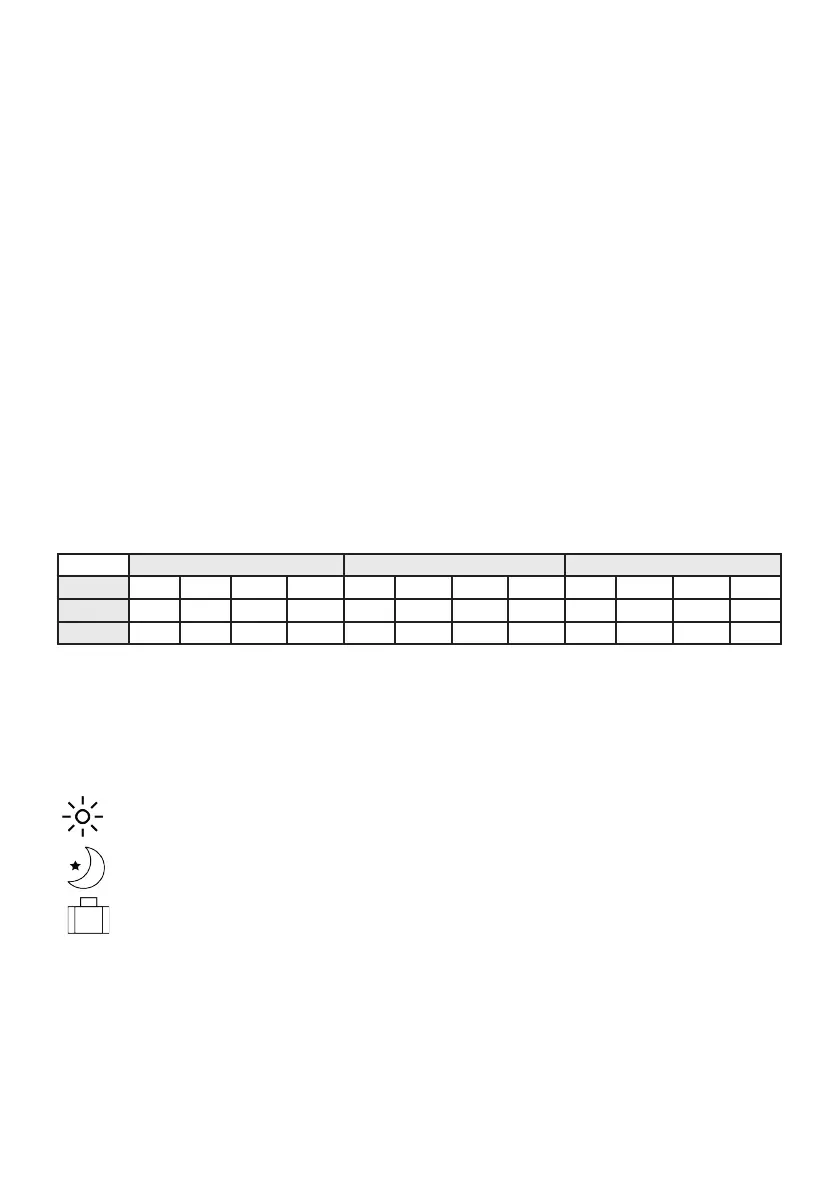
Monday to Friday Saturday Sunday
PRG 1 2 3 4 1 2 3 4 1 2 3 4
Time 6.30 8.00 18.00 22.30 8.00 10.00 18.00 23.00 9.00 12.00 19.00 0.00
Temp. 21°C 18°C 21°C 16°C 21°C 21°C 21°C 16°C 23°C 21°C 16°C 21°C
Once the two conguration types have been completed, for manual or automatic
management simply press the Menu button to change mode; this will be displayed
on the right-hand side of the screen:
- PRG Automatic Programming
- Comfort mode
- Energy Saving mode
- Holiday mode



 To Next Page