7. Cable Direct & Music Share
Connecting Direct Audio Cable
Your headphones have a direct connection audio port, you can connect to any device
by cable.
How to connect by cable:
• Power Off headphones
• Plug one end of the accessory cable into audio input interface of the headphone,
and connect the other end to the music player.
Music Share
In Bluetooth, FM and SD Card modes your headphones can act as a player for 1 other
party to listen to, to perform this:
• Plug a second pair of headphones, earphones or device into the Audio in port.
Audio In / Out
8. Hands Free Calls
Your Headphones are equipped with a phone call management system and
microphone.
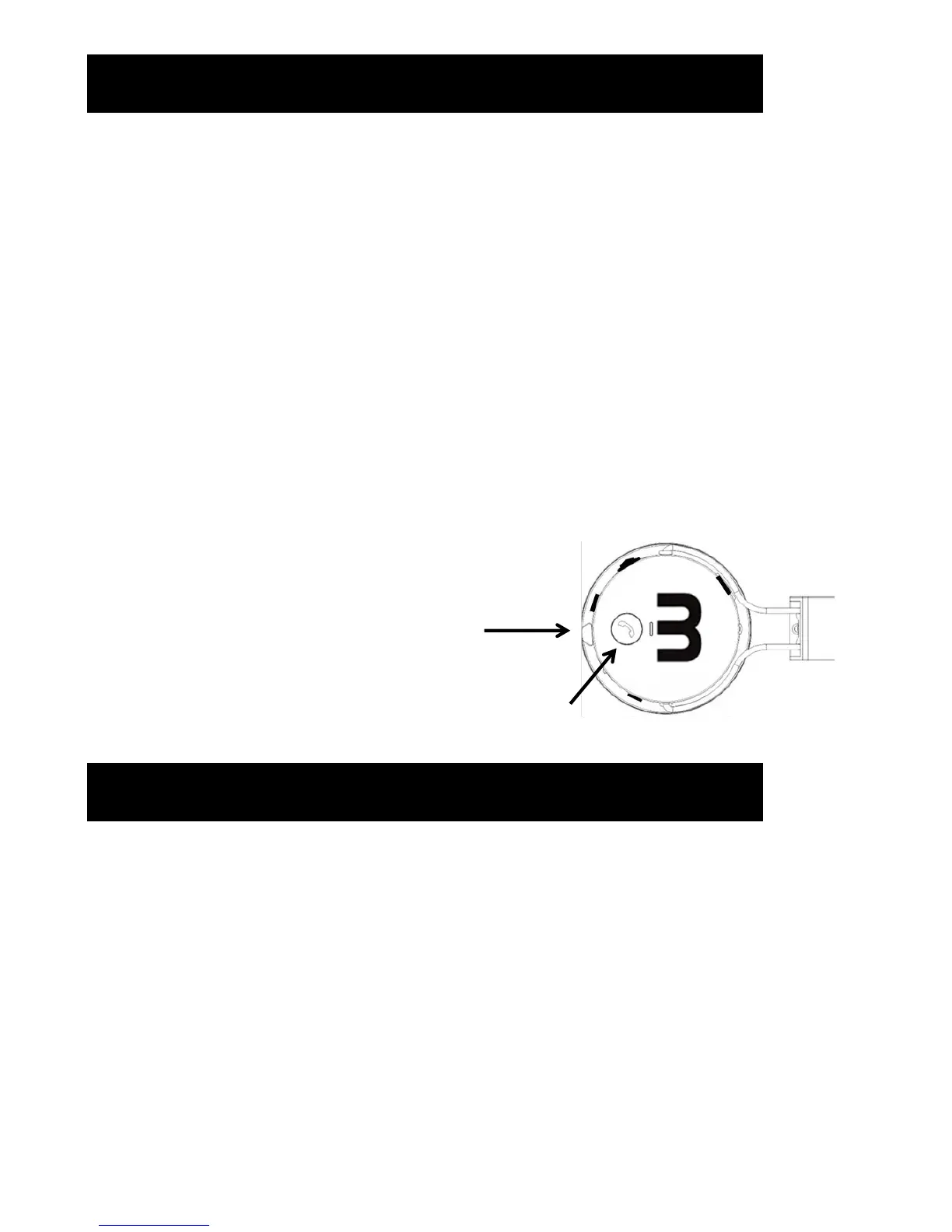
When connected by Bluetooth, calls can be answered and redialled by pressing the call
button.
Call Button


 To Next Page