7 First Use
7.1 Installing a SIM card
Please refer to section ‘Back Cover Opened’, Open the Back Cover by screwdriver.
⚫ Open the SIM1-SIM card slot
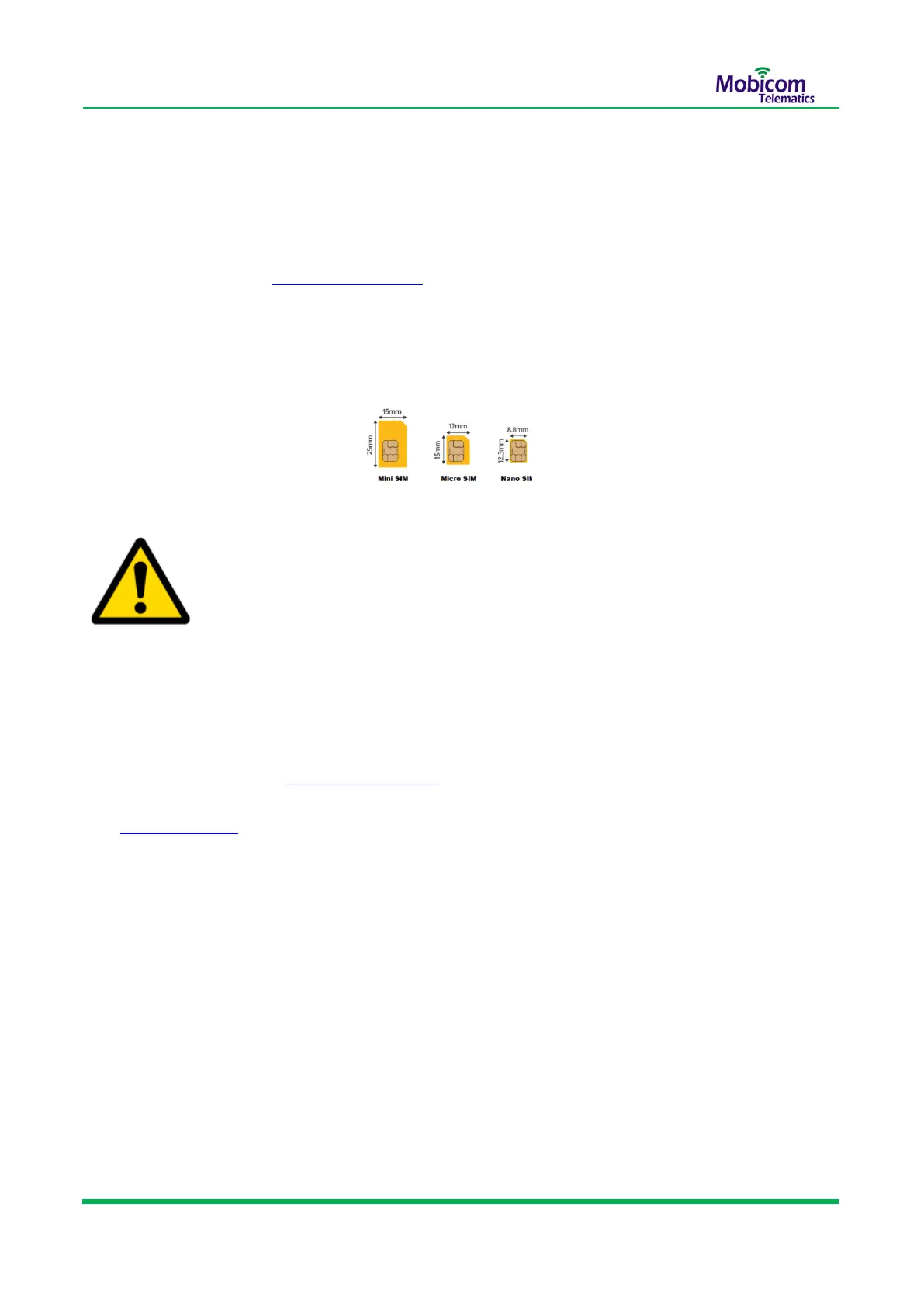
⚫ Insert the Micro SIM card into the card slot with its gold-plated contacts facing towards the Printed
Circuit Board (PCB)
⚫ Slide the SIM card holder to lock it in place
➢ Ensure that SIM card’s SMS/Cellular Network service are available .
➢ Ensure that the phone card PIN lock has been closed properly.
7.2 Power on the GL600 device
Please refer to section ‘Back Cover Opened’, Turn the switch to the left, power on the device .Look
LED lights ,If Yellow LED Blinking every 3 sec ,It indicates low battery status, Please refer to section
‘6.2 Bottom View’ , charge the device by 5V DC adapter about 8 hours.


 To Next Page