Mobicom Telematics –GL600 GPS Smart Lock User Guide
13 / 20
Copyright © 2019 Shenzhen Mobicom Telematics Co.,Ltd. All rights reserved.
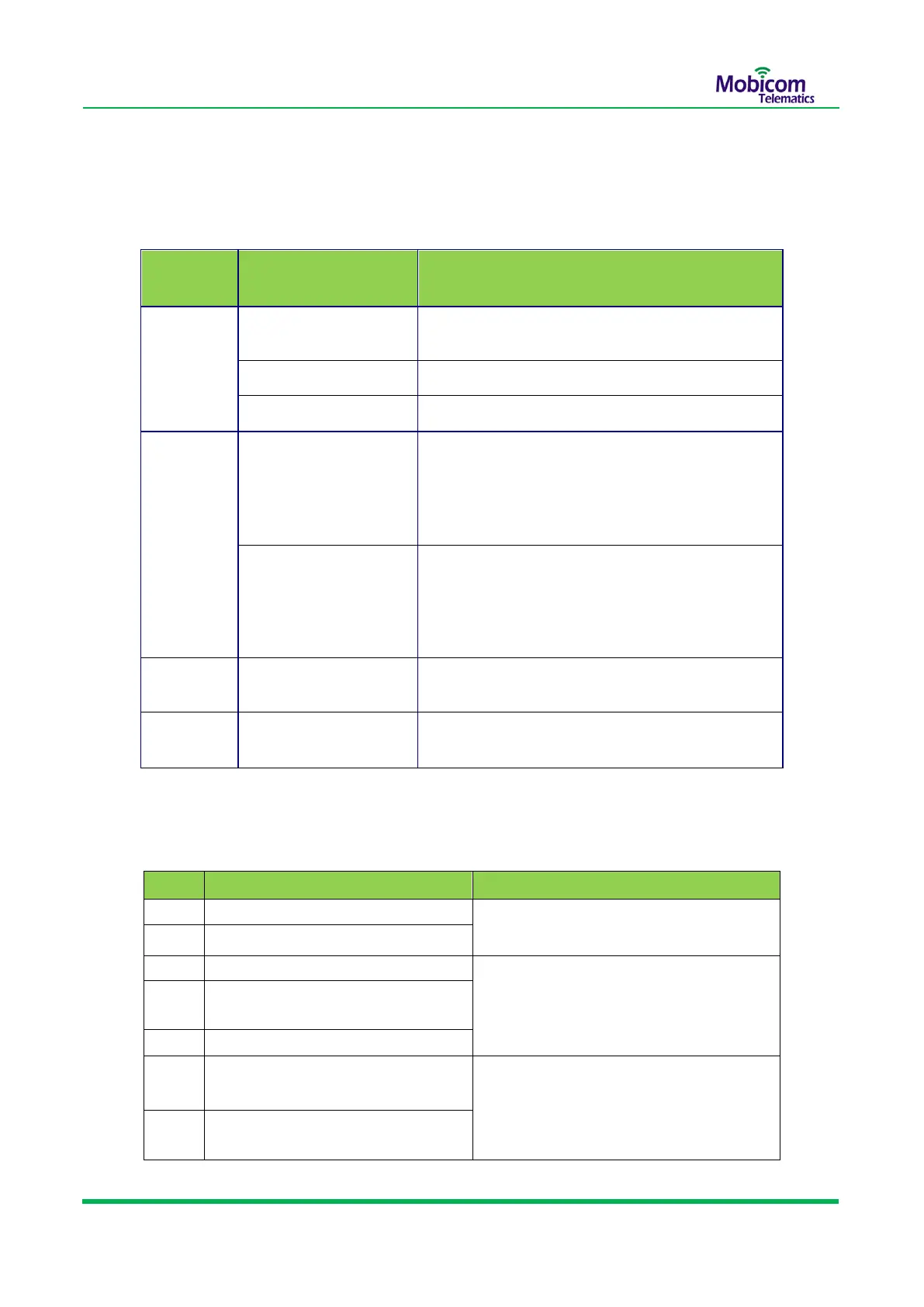
7.3 LED indicators and Buzzer Instruction
LED Indicators:
Operation and Buzzer Instructions:
Swipe unauthorized RFID tag
Buzzer ring 3 second continuously, GPS
led blinking 3 sec
Swipe authorized RFID tag
Buzzer ring twice,GPS led blinking once
Add authorized ID by swiping the
RFID tag successfully
never disconnect the lock rope
after unlocking
After unlock 10 sec ,Buzzer ring every 1
sec, GPS led keep blinking,
Stopped until lock rope inserted or 60
sec later
Insert lock rope but never locking
automatic successful
The device is in sleep mode or power off.
Blinking very fast,
3 times in one sec
Registered GSM and connected
to GPRS,sending data to server
Registered
GSM,but can’t connect to GPRS,need to check
parameters setting and if SIM card was activated
GPRS function.
When built-in battery’s power less than 30%
Charging or charging full
When charging ,stable on and red color;
When charged full, stable on and green color


 To Next Page