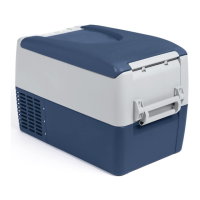
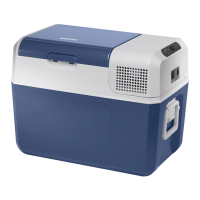
MCF40, MCF60 Function description
9
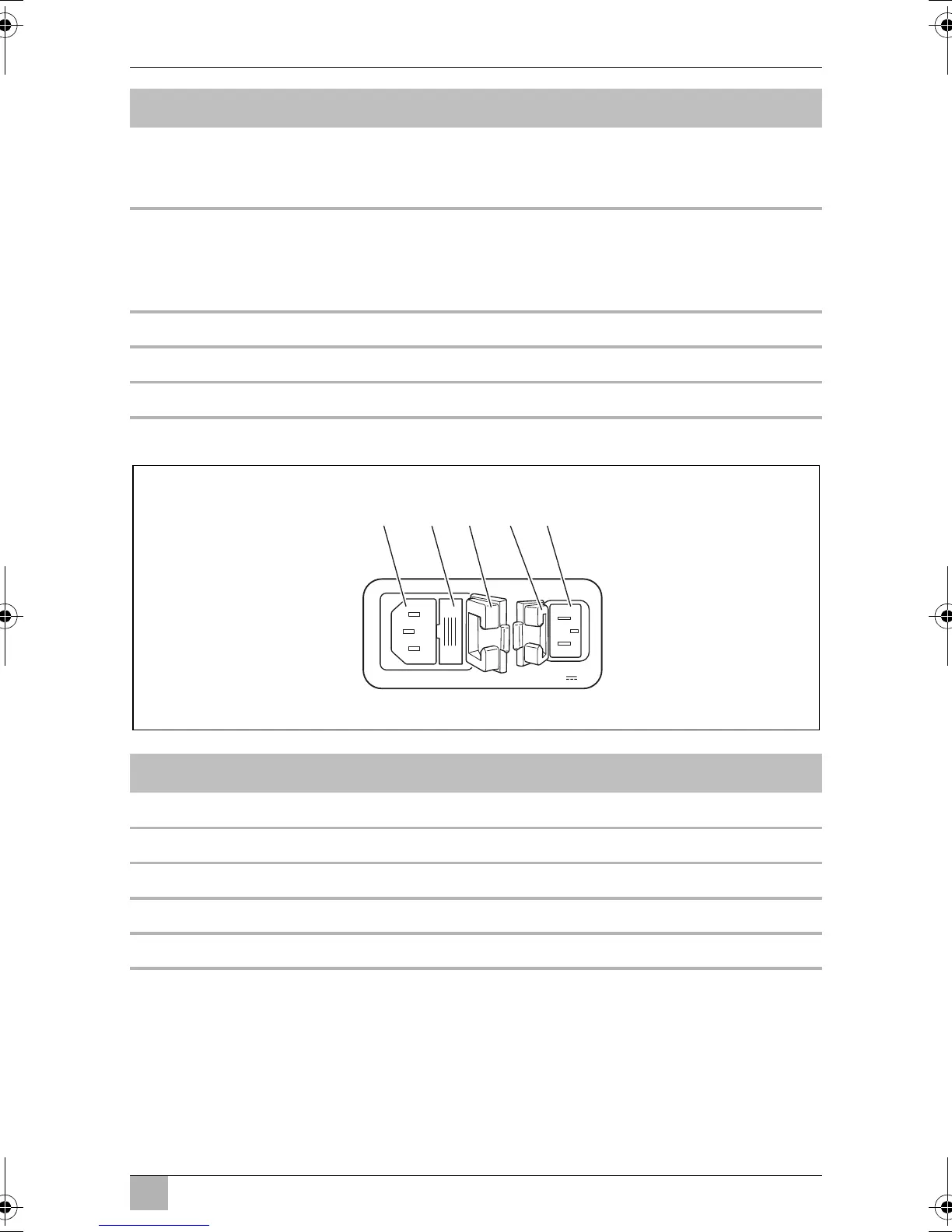
Connectors
3 ERROR LED flashes red: Cooling device is switched
on but not ready for oper-
ation
4 SET Selects the input mode
– Temperature setting
– Celsius or Fahrenheit display
– Set battery monitor
5 – Display, shows the information
6 “+” Press once to increase the value
7 “–” Press once to decrease the value
Item Description
1AC socket
2 AC Fuse holder
3 Cover AC socket
4 Cover DC socket
5DC socket
Item Description Explanation
100-240V~AC 12/24V DC
1 2 43 5
MCF40-MFC60--O-AUS.book Seite 9 Mittwoch, 9. Januar 2019 4:41 16


 To Next Page