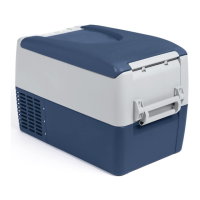
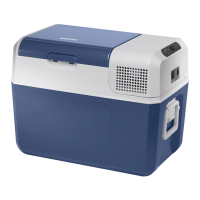
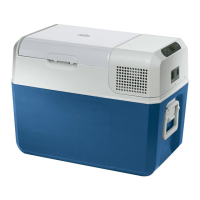
Function description MCF40, MCF60
8
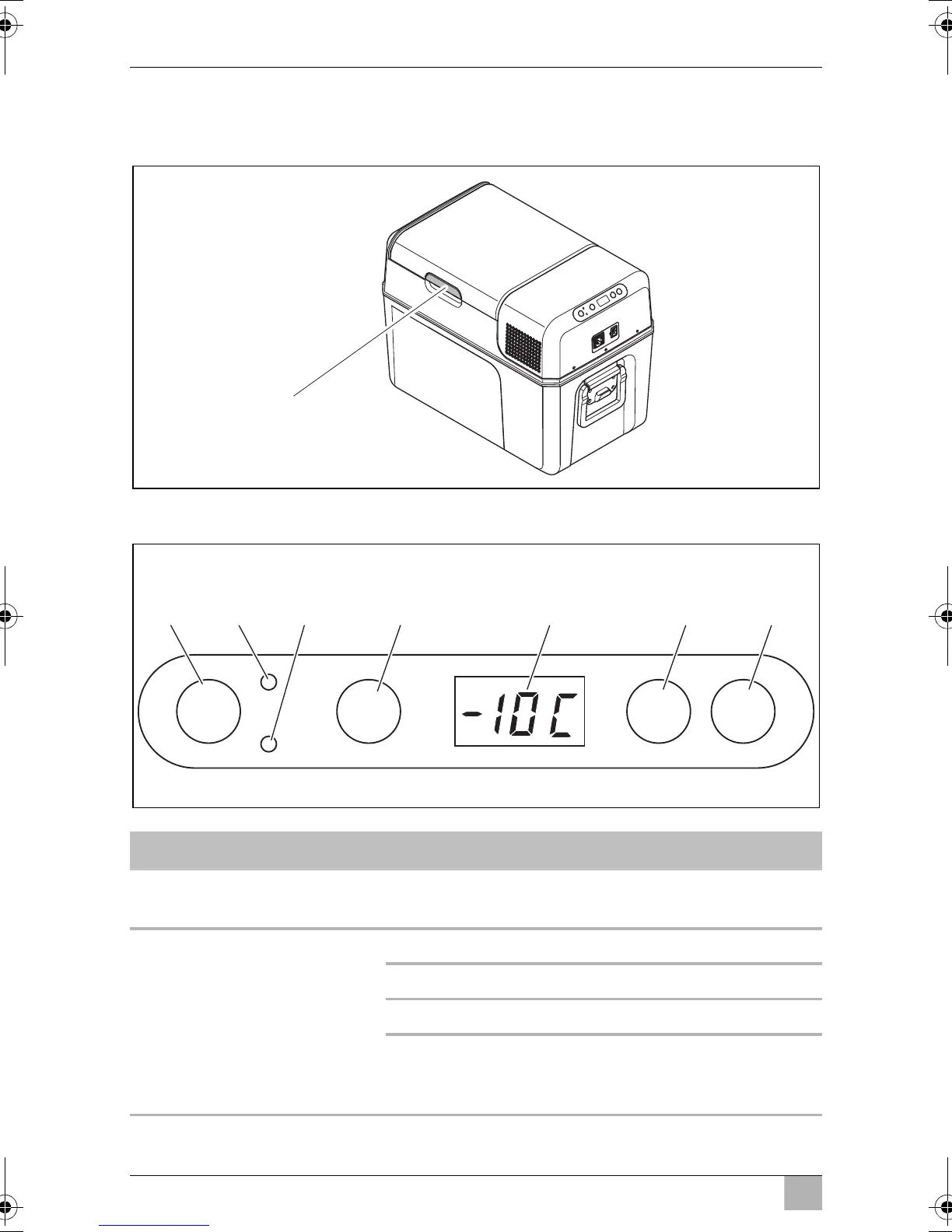
5.2 Operating and display elements
Latch for lid (1)
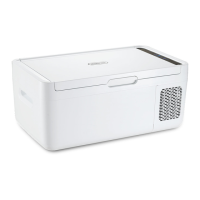
Operating panel
Item Description Explanation
1ON
OFF
Switches the cooling device on or off when the
button is pressed for between one and two seconds
2 POWER Status indication
LED lights up green: Compressor is on
LED lights up orange: Compressor is off
LED flashes orange: Display switched off auto-
matically due to low
battery voltage
1
ON
OFF
DOWNUP
SET
POWER
+ –
ERROR
°
1 3 4 5 6 72
MCF40-MFC60--O-AUS.book Seite 8 Mittwoch, 9. Januar 2019 4:41 16


 To Next Page