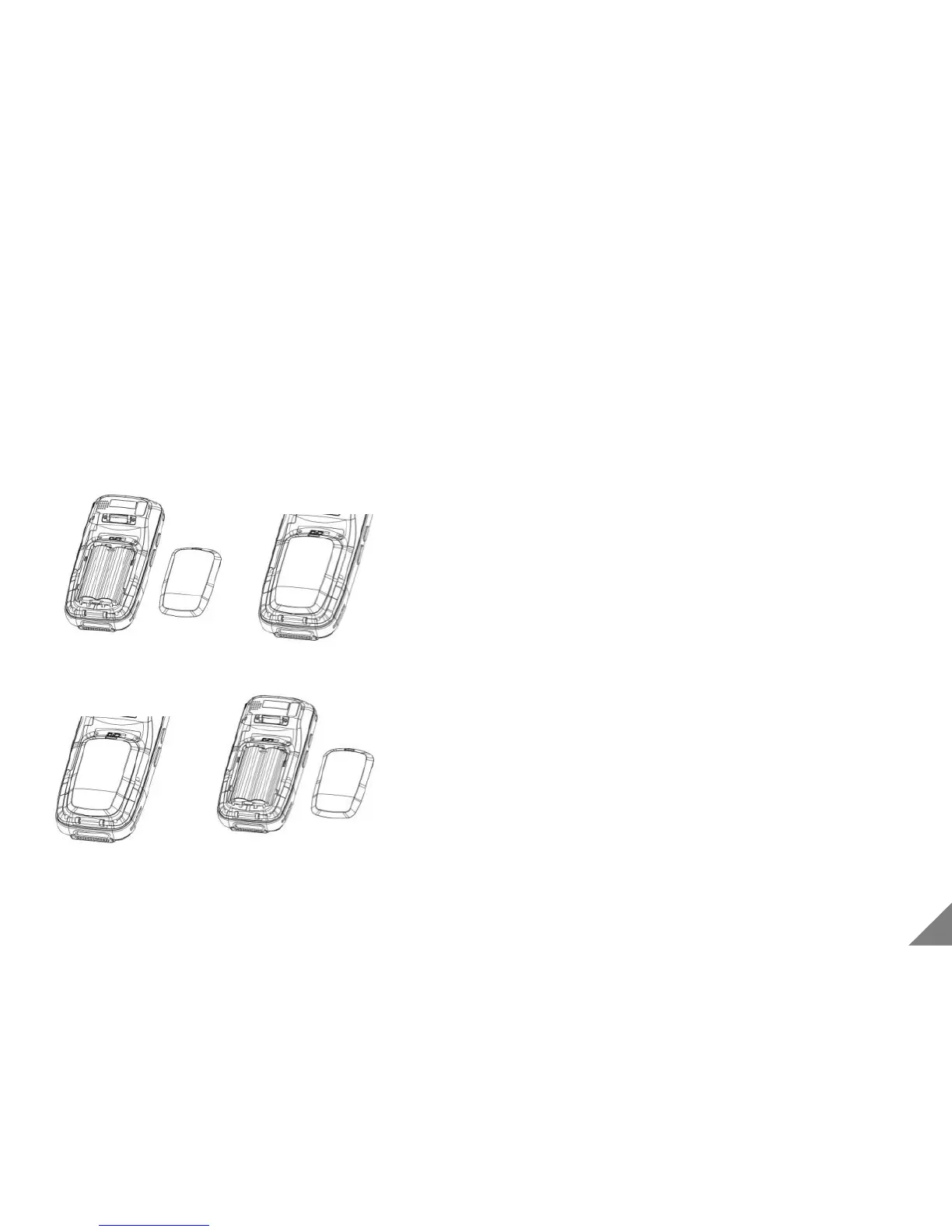
1.3 Install/Remove the Battery
9
① Install battery by making connector upward.
② Close battery cover
③ Push the locker to left side
④ Fix the hand strap on back of body.
① Separate the hand strap
② Push the locker to right side to unlock
③ Pull out the battery cover by using groove
④ Pull out the battery
⑤ Release the battery lock and remove.
[ Install the Battery]
[ Remove the Battery]
*P.S : when battery is installed or removed, power-off should be required.


 To Next Page