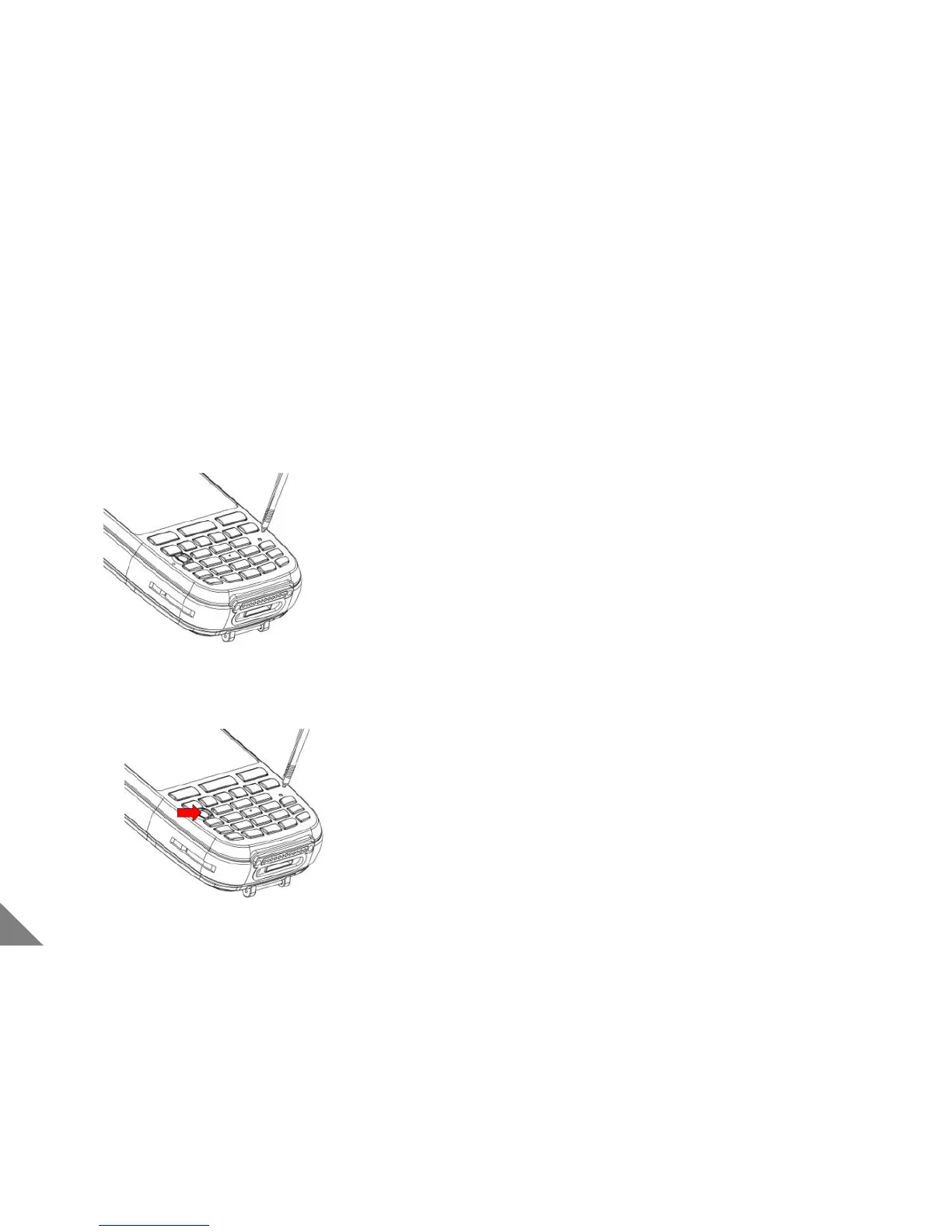
1.6 Reset(H/W and S/W)
① Please press [reset] button at the front of the body
using the stylus pen
② Programs currently in use will be shut down and data or
file can be deleted. However, Saved files are out of
effect.
① Press Power button + [reset] button
② All data and programs will be initialized expect for
just data saved in Flash Disk
< Caution >
• Please back-up data in you need before operating [reset]
12
[ Software Reset ]
[ Hardware Reset ]


 To Next Page