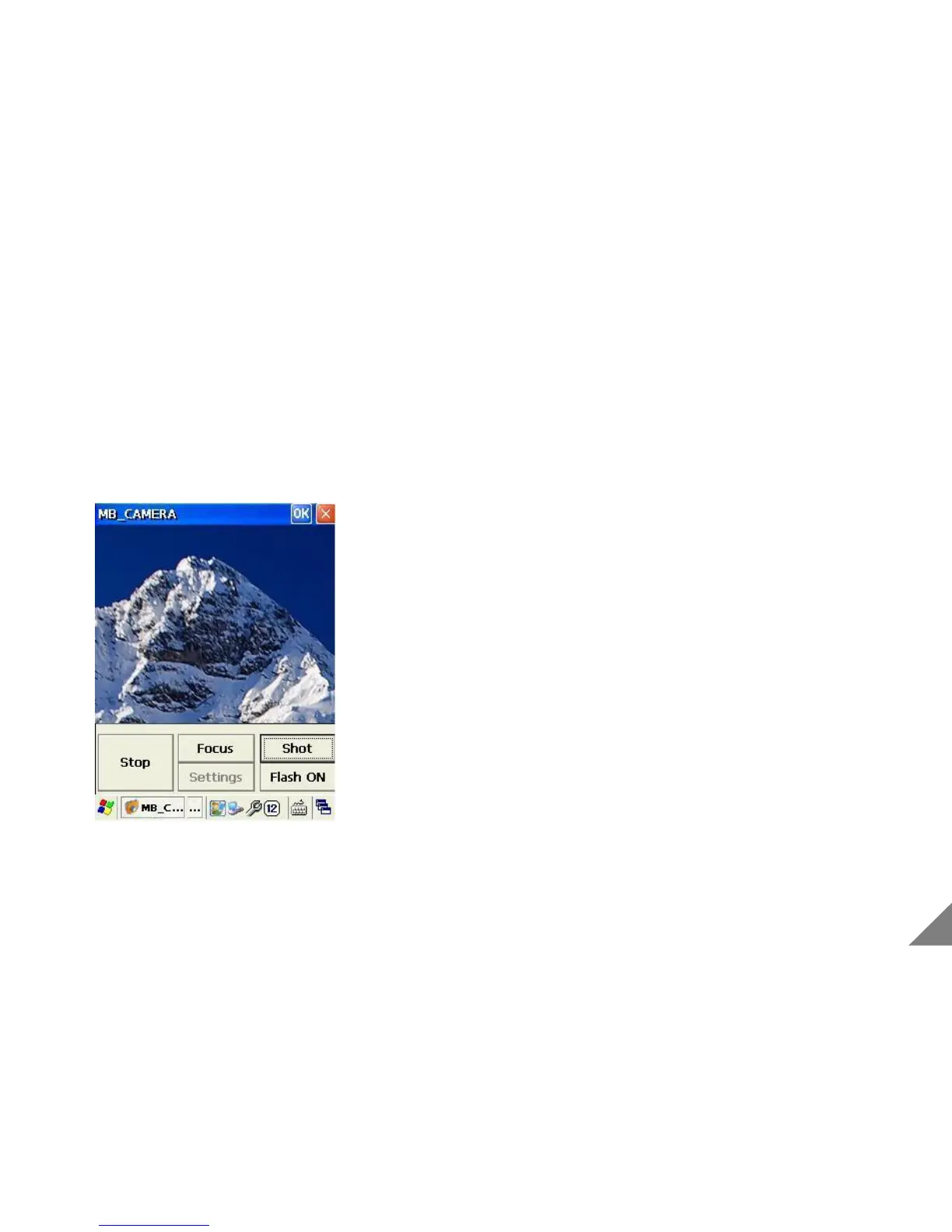
4.2 Using Camera
[ Using Camera]
① Execute Camera program.
② Camera preview display is on/off when pressing
[Preview]/[Stop] button.
③ Pressing [Focus] button, it can automatically adjust the
focus .
④ In case that surrounding is dark, please operate the flash
by pressing [Flash On] button.
By adjusting status bar, You can use zoom function.
⑤ Pressing [Shot] button, the photo is saved
simultaneously.
* Camera function is just available with a product with a built-in camera module.(Option)
23


 To Next Page