General Guidelines
•
A video to help guide the installation is available on the MobileDemand website - technical support section.
•
Install the QWERTY keyboard in a non-obstructive, safe location within the vehicle cab.
•
Avoid obstructing the following:
•
Vehicle operation
•
Visibility through windows
•
Safe entry or exit
•
Safety devices such as air bags
•
Firmly secure the QWERTY keyboard to stay in place despite vibrations, shocks, bumps, or vehicle accidents.
Do not use this or any computer system while operating a motor vehicle.
Required
Parts
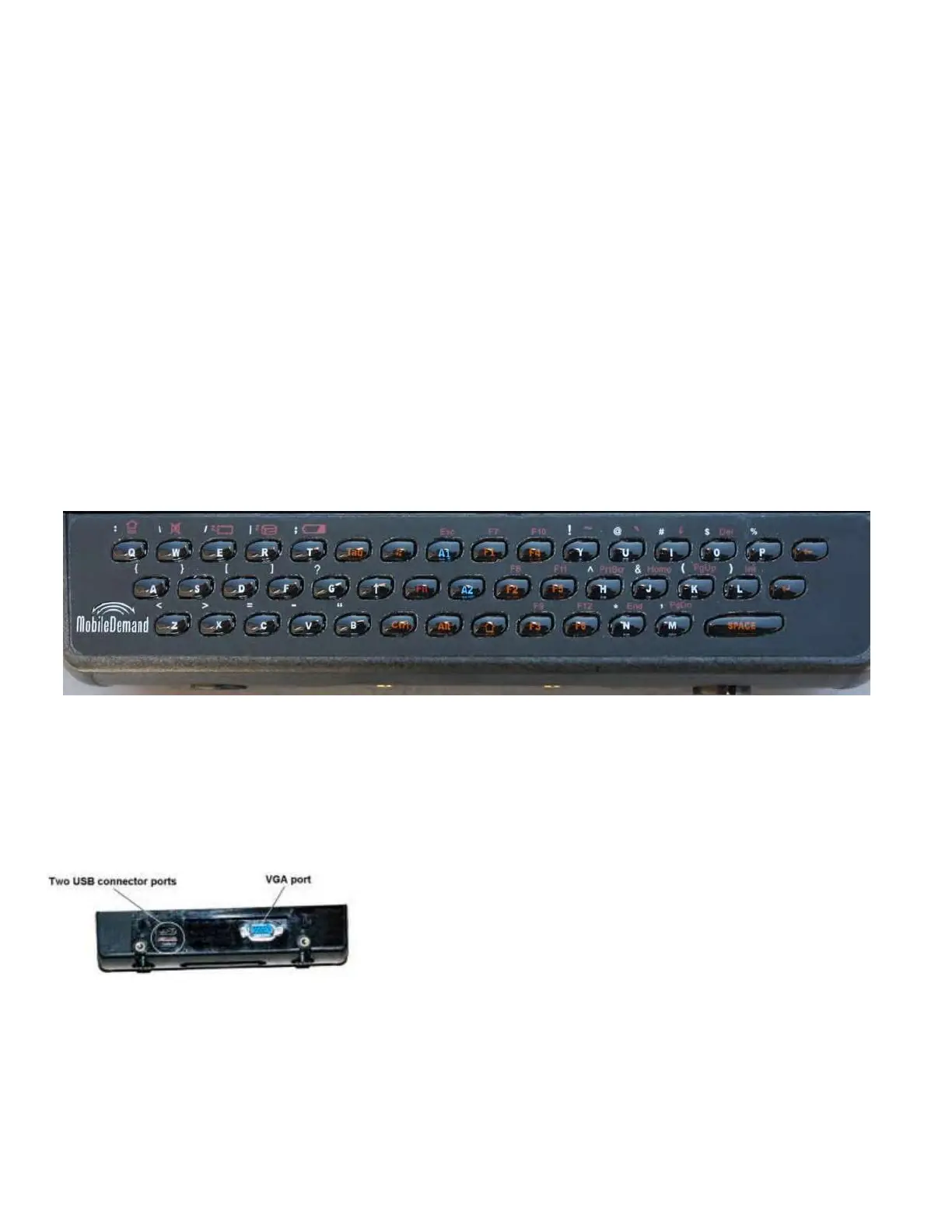
QWERTY Keyboard
XTB-VMT5
The QWERTY keyboard should have an overlay attached. If not, contact a MobileDemand support representative for a new
overlay.
Using the QWERTY Keyboard
On the back of the keyboard module is a VGA port and two low-power USB ports that support USB devices demanding no
more than 100mA each.



 To Next Page