EasyManua.ls Logo

MobileDemand xTablet T1600 - User Manual

MobileDemand xTablet T1600
61 pages
Print Icon
To Next Page IconTo Next Page
Loading...
xTablet T1600 User Guide 1
Read Me First
MobileDemand
xTablet T1600
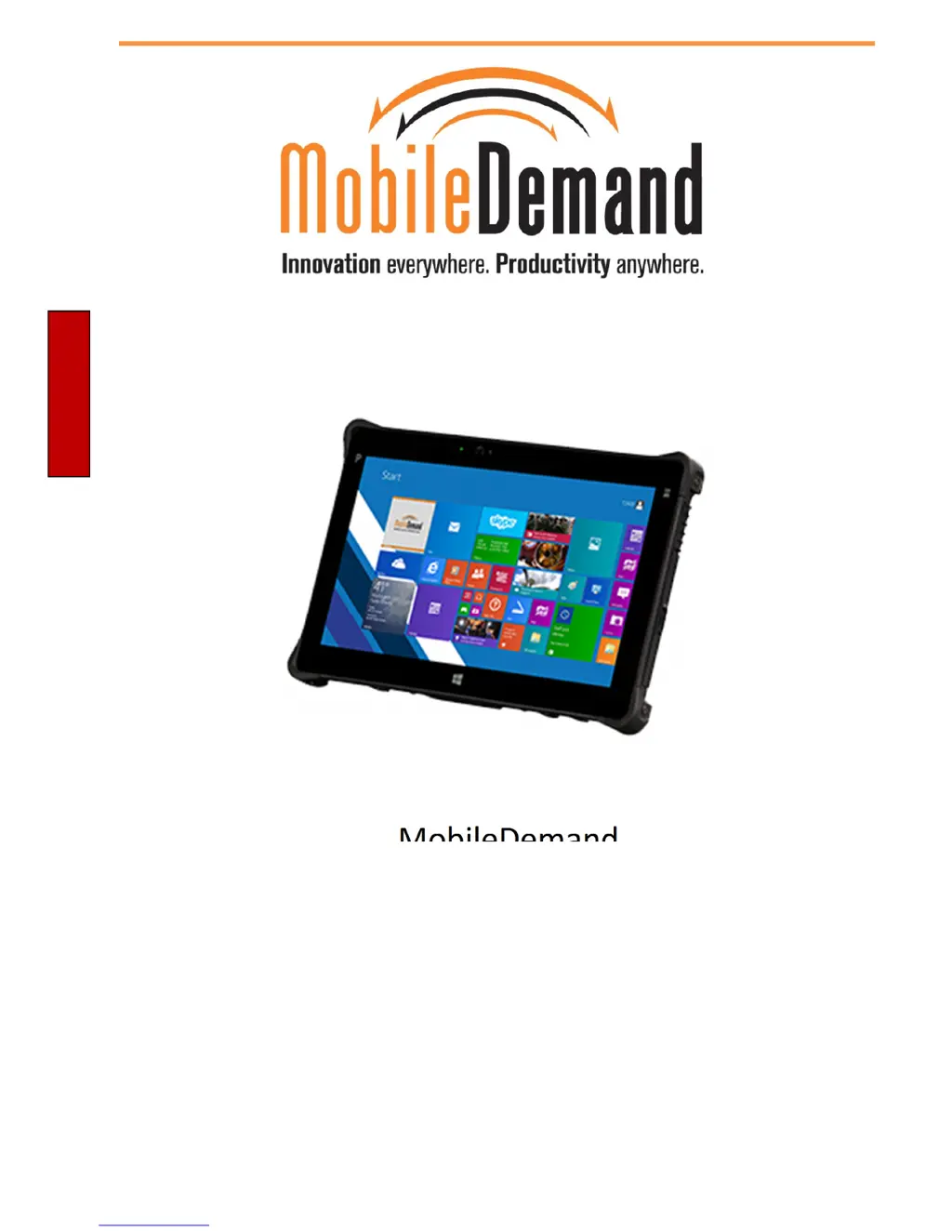
Rugged xTablet T1600 User’s Guide

Table of Contents

Questions and Answers

Summary

Before You Start

Product Overview

Details the device's physical components: Front, Back, Right, Left, Bottom views, and Status Indicators.

Getting Started

Installing the Battery

Step-by-step guide on how to install the battery pack into the device.

Charging the Battery

Instructions on how to charge the xTablet T1600's Lithium-ion battery.

Connecting the Power

How to connect the AC adapter and use battery power for the device.

Starting Your xTablet T1600

Instructions on how to turn the device on and off properly.

Operating Your xTablet T1600

Using the Quick Menu

How to access and use the Quick Menu for various device functions.

Configuring SETUP Menu Settings

Details how to configure programmable buttons, GPS, light sensor, and WWAN.

Configuring Programmable Buttons

How to assign applications or functions to the programmable buttons.

Display Settings and Scaling

Using the Camera

Making Connections

Wireless Network Connectivity

Guide to connecting the device to Wi-Fi and WWAN (LTE) networks.

Setting up the Barcode Scanner

Troubleshooting

Precaution on Battery Pack

General Product Safety

Handling and Maintenance

Touchscreen Guideline

Safety Instructions

MobileDemand xTablet T1600 Specifications

General IconGeneral
Operating SystemWindows 10 Pro
Display Size10.1 inches
RAM4 GB
Storage64 GB eMMC
Battery LifeUp to 8 hours
Camera8 MP rear camera, 2 MP front camera
Resolution1920 x 1200
PortsUSB 3.0, USB-C, HDMI
ConnectivityWi-Fi, Bluetooth
RuggednessIP65, MIL-STD-810G
Barcode ScannerOptional 1D/2D

Related product manuals