xTablet T1600 User Guide 45
Read Me First
Setting up the Barcode Scanner
Setting up the Barcode Scanner
This configuration should be completed prior to shipment. If for some reason scanning is not
functioning correctly please go through the following these steps.
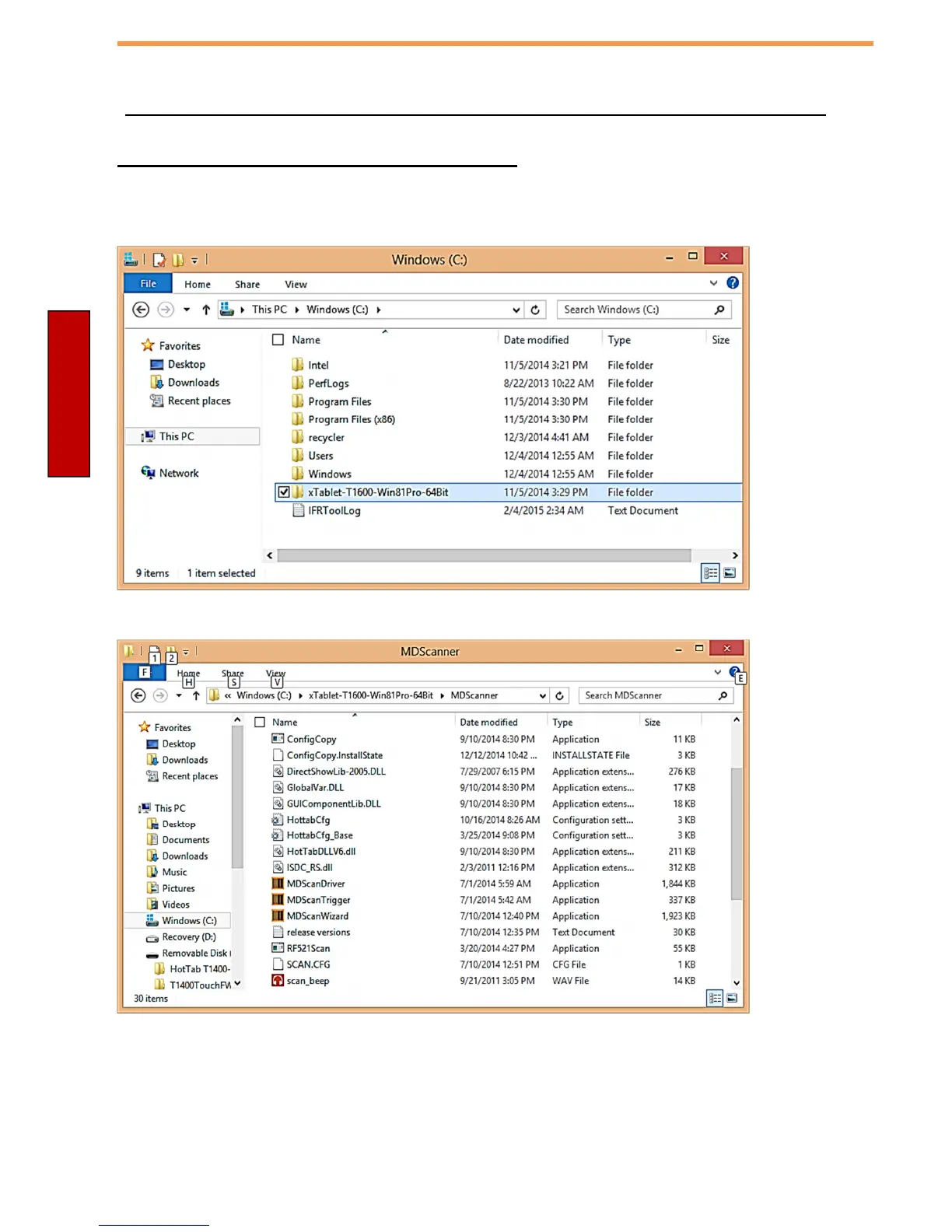
1. Open up File Explorer and navigate to the T1600 Driver Folder and the MDScanner directory.



 To Next Page