32 xTablet T1600 User Guide
Read Me First
Making Connections
Making Connections
This chapter will guide you on installing peripheral devices to maximize the use
of your xTablet T1600.
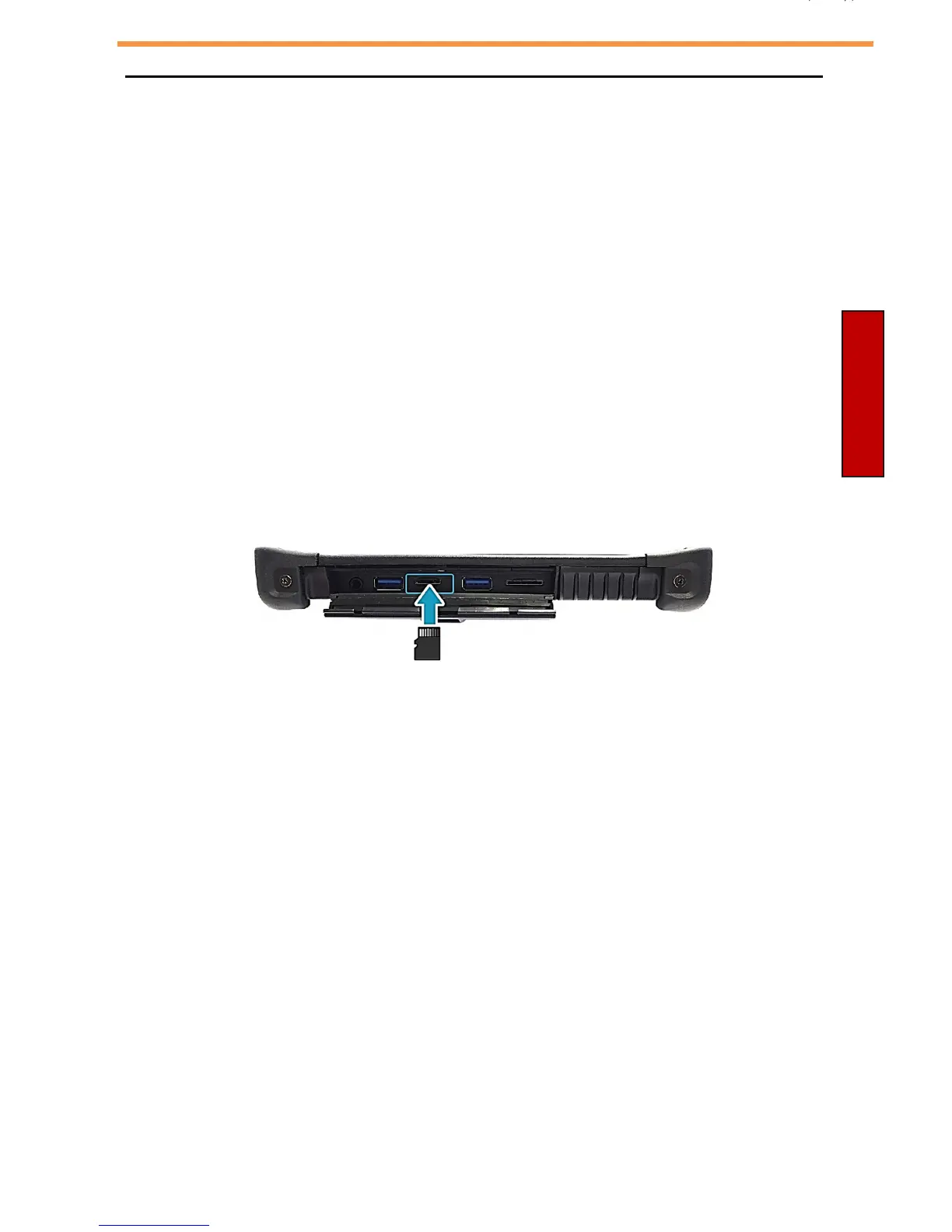
Installing the Memory Card
Your xTablet T1600 supports different types of memory cards to provide faster
data transfer.
Supported types: SDHC, SDXC
To insert a memory card:
1. Push down and pull to open the I/O port cover.
2. Push the memory card into the memory card slot until it clicks into place.



 To Next Page