34 xTablet T1600 User Guide
Read Me First
Making Connections
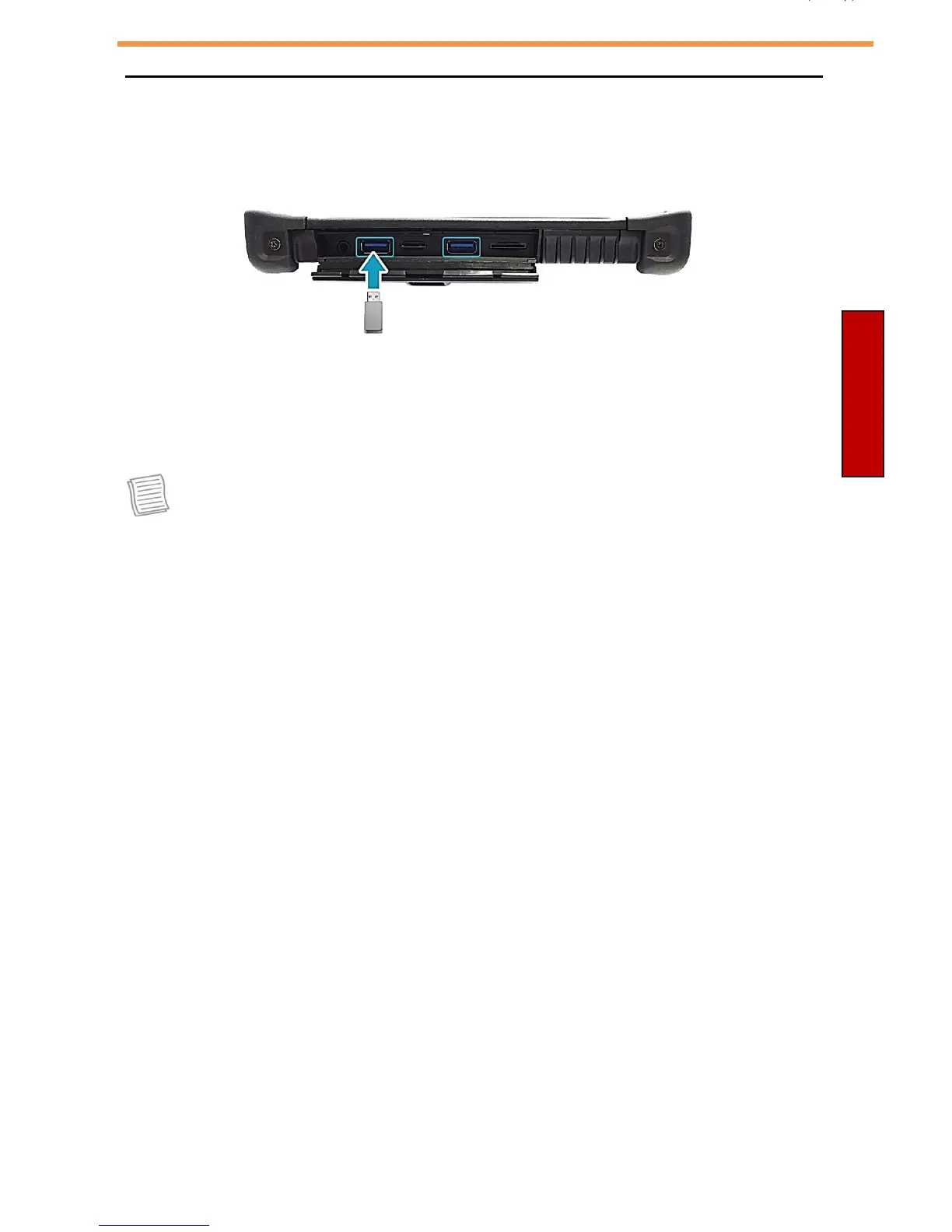
Connecting USB Devices
You can connect your xTablet T1600 to other USB devices, such as a
mouse, keyboard, digital camera, printer, or an external hard disk drive.
1. Push down and pull to open the I/O door.
2. Connect one end of the USB cable to the USB port of your device.
3. Connect the other end of the cable to the USB device (if necessary).
NOTE
•
The USB cables are not included.



 To Next Page