xTablet T1600 User Guide 13
Read Me First
Getting Started
Starting Your xTablet T1600
Turning On Your Device
Press the button until the power icon lights up.
Turning Off Your Device
It is important to properly shut down your xTablet T1600 to avoid the loss of
unsaved data. To shut down your xTablet T1600, do the following:
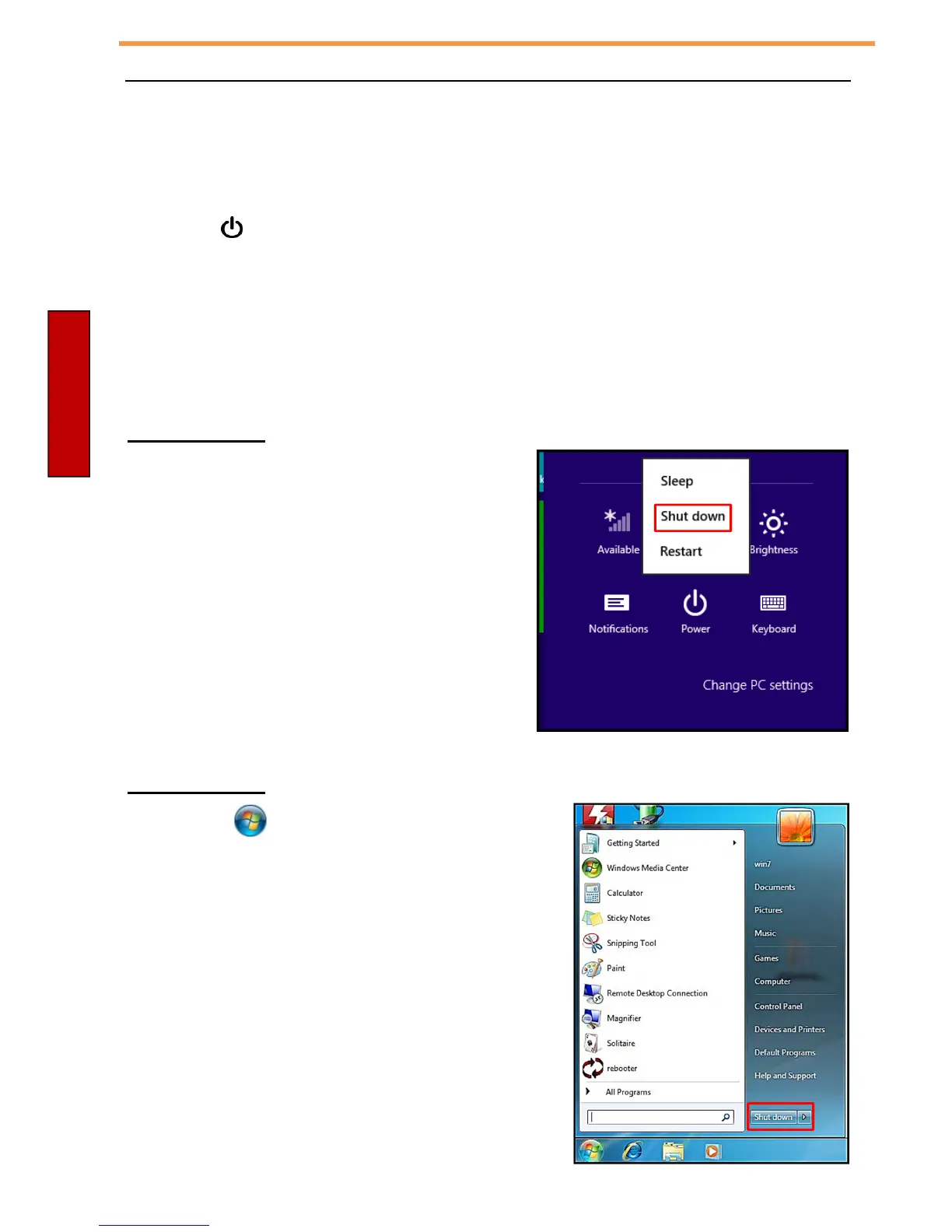
On Windows 8
1. On the Start screen, swipe in from the
right edge of the screen, then tap
Settings.
2. Tap Power > Shut down.
On Windows 7
Click Start ( ) > Shut down.
Wait for your xTablet T1600 to turn off power
completely before removing the power source (if
necessary).



 To Next Page