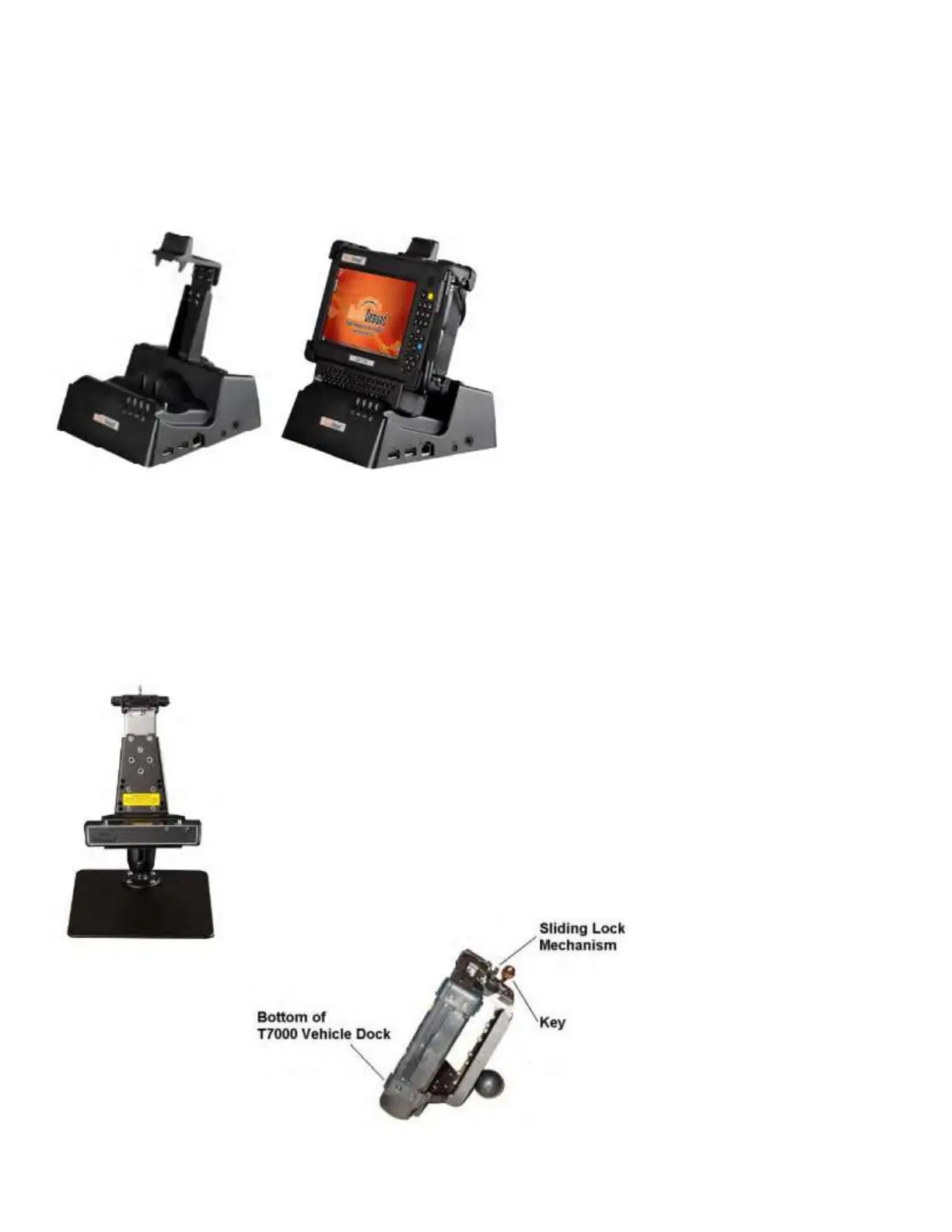
Docking the xTablet T7000 with QWERTY Keyboard Attached in a T7000 Office Dock
Put the xTablet T7000 unit into the cradle portion of the T7000 Office Dock bottom first.
To ensure a proper connection
1. Position the T7000 Office Dock so that it is upright.
2. Place the bottom of the xTablet T7000 into cradle seat.
3. Push the top of the xTablet T7000 into the cradle latch top until it clicks in place – this secures the top cradle latch onto
the xTablet T7000.
Using the QWERTY Keyboard Module with the MobileDemand xTablet T7000
Vehicle Mounts. VMT-10 or VMT-14
To use with an xTablet T7000 with an xTablet T7000 QWERTY Keyboard attached, a Latch Height Extension Kit is
required.
To ensure a proper connection
1. Position the T7000 Vehicle
2. Place the bottom of the xTablet T7000 into cradle seat first.
3. Push the top of the xTablet T7000 into the cradle slide locking mechanism on top.
4.
W
ith your hands on the top two corners of the xTablet T7000, squeeze the back portion of
the sliding lock mechanism into place.
5. Turn the key in the cradle slide locking mechanism to lock in the xTablet T7000.



 To Next Page