2
Welcome to use U11
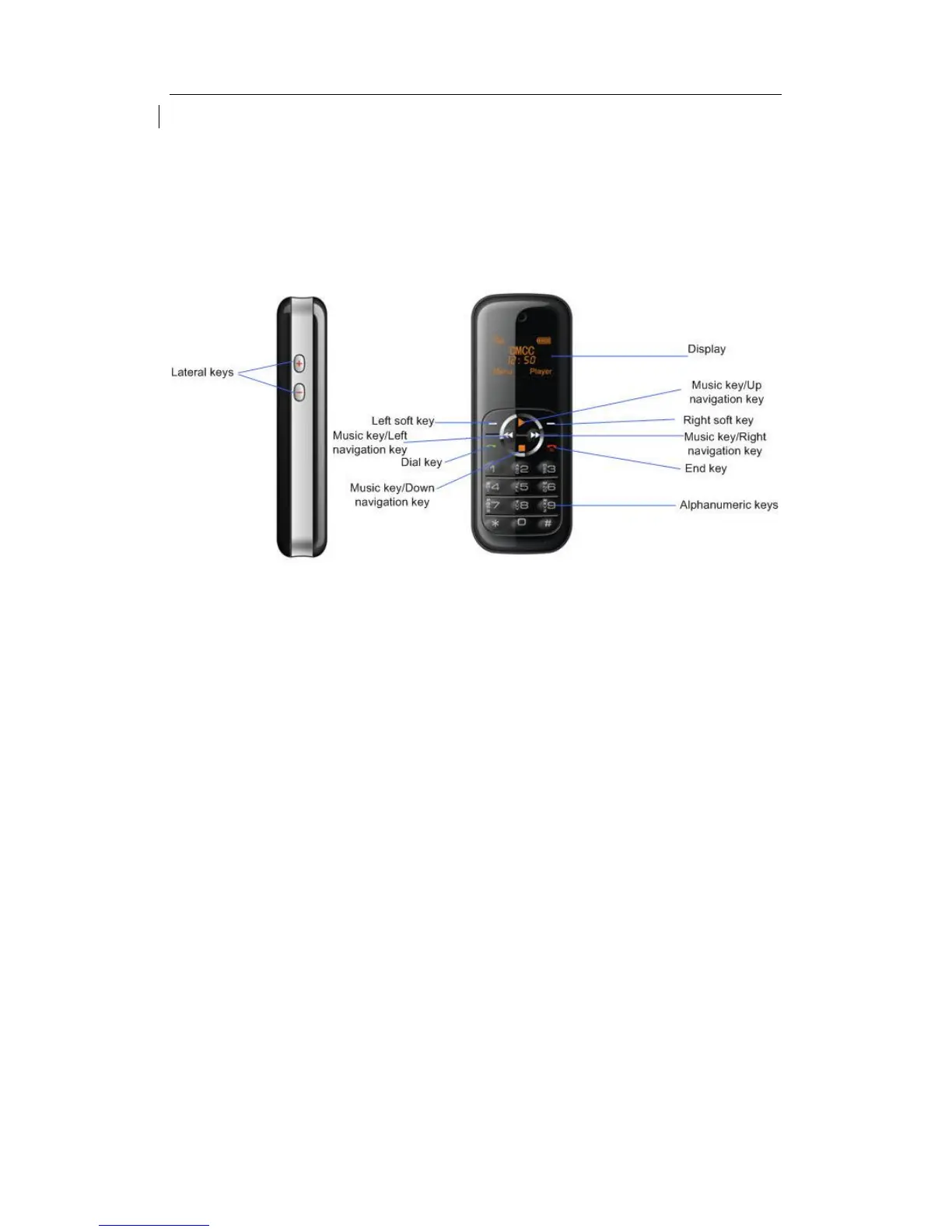
Discover Your Phone
How To...
Switch the phone On/Off Long press the End key
Make a call Enter the phone number using the alphanumeric keypad and press the
dial key or choose Options to open the menu.
Make a long distance call short press * key twice to enter the "+" sign, and then enter the
country code, area code and phone number
End a call Press right soft key or end key to end the call
Answer a call When somebody is calling you, press Answer to pick up the call
Reject a call When somebody is calling you, press right soft key or end key to reject
the call
Call hands-free You may select speaker according to the instructions on the phone
screen



 To Next Page