3
Lock/Unlock : Press the Left Soft key and then the * key to lock the keypad; When the
phone is locked, press the Left Soft key and then the * key to unlock the keypad
Access to Main Menu Press Left Soft key in idle mode
Access to Media player Press Right Soft key in idle mode
Introduction to shortcut keys
In idle mode:
Press and hold Numeric key [1] to call the voice mailbox.
Press and hold [#] to switch between Normal mode and Silent mode.
Please refer to Speed Dial to assign a key (numeric key [2] to [9]) to a phone number.
Then long press the key assigned to the phone number in idle mode to dial the number.
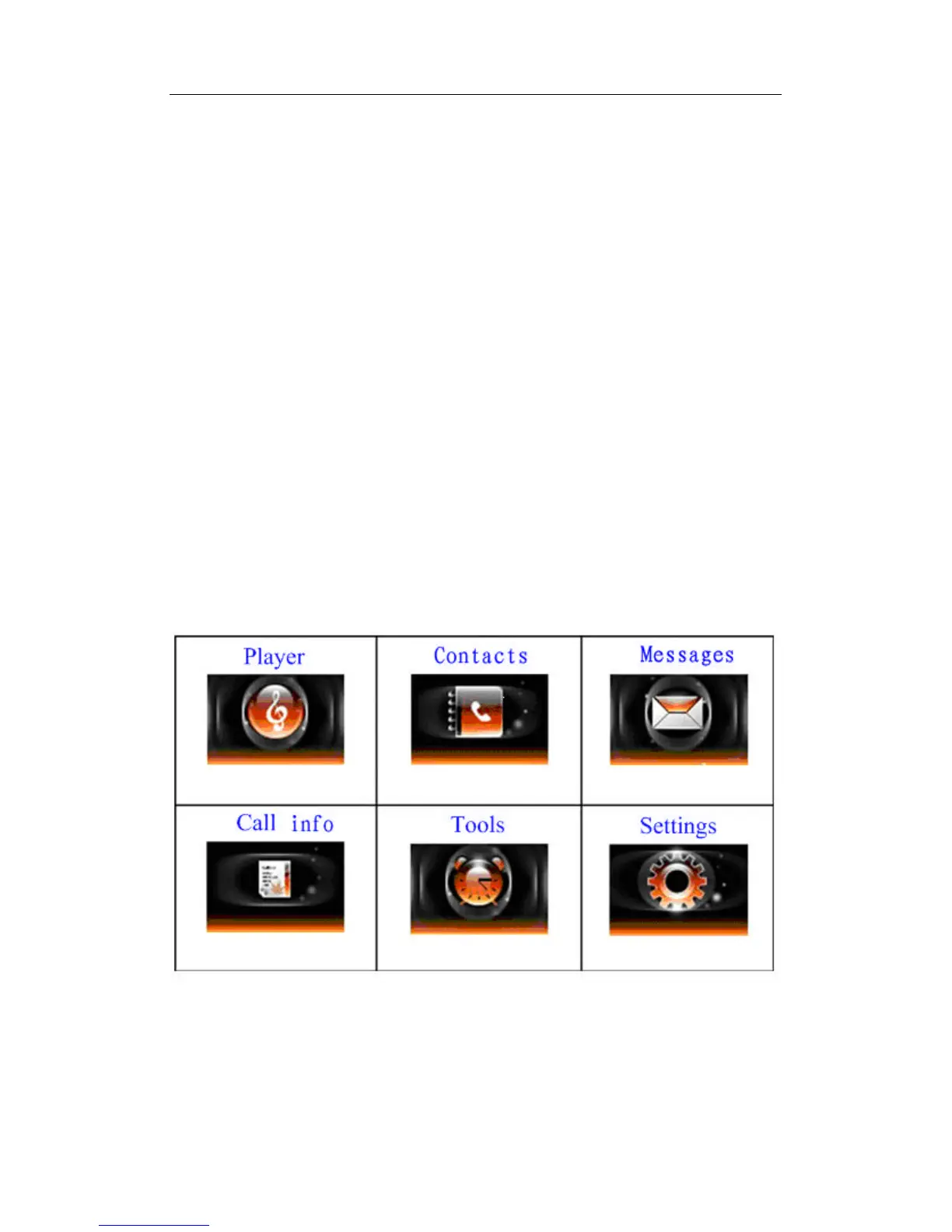
Main menu
You can access different features of your mobile phone from the Main menu.
In idle mode, press the Left Soft key to access the Main menu, select the needed function
using navigational keys, and press the Left Soft key again to confirm your selection.



 To Next Page