5
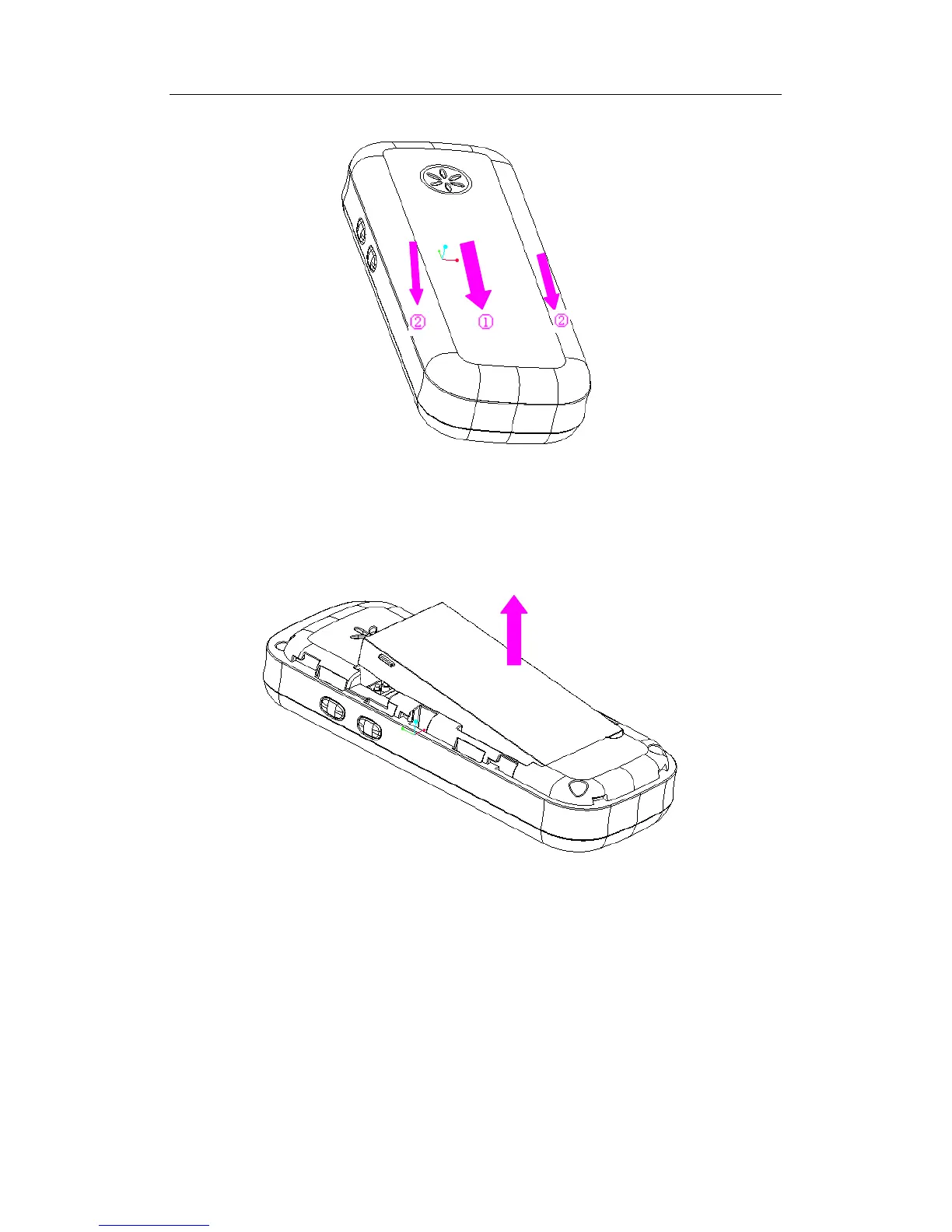
Remove the back cover
Hold the phone with the back facing upward as illustrated. Push forward the back cover
lock with one hand and remove the back cover in the direction as shown with the other
hand.
Lift up the battery and remove it from its slot.
Make sure that the clipped corner of the USIM card is facing the correct direction (as
shown) and the metallic contacts are facing downwards. Slide the USIM card into the card
slot until it stops.



 To Next Page