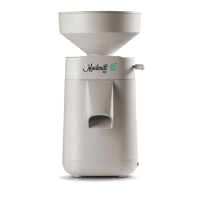
12
Reattach the hopper
Switch off the Mockmill and unplug
from the mains. The moveable inner
segment (which the lever was screwed
into) should be moved to the middle of
the right side of the mill.
Adjust adjusting lever
Screw in the adjusting lever a few
turns into the moving Segment (do
not tighten!). Now push the adjusting
lever to scale position 1 and tighten.
The scale position1 should always have
a a slight ticking sound . This stone
contact is causes no wear and will
stop when milling starts.
See p. 17 for further instructions.
6
7


 To Next Page