6
Setting up your stereo headphones
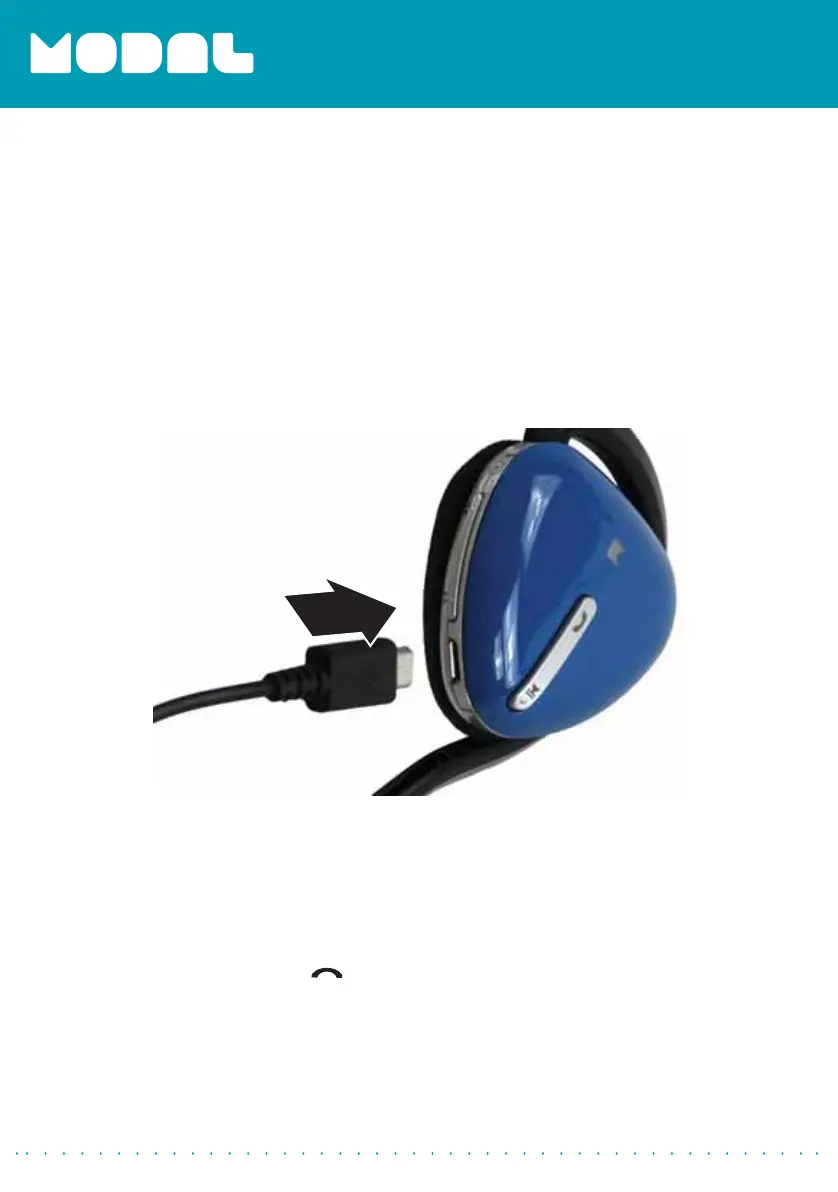
Charging your stereo headphones
When your stereo headphone’s battery is low, the red LED blinks.
To charge your stereo headphones:
• Connect the charging cable from the AC adapter to your Bluetooth
stereo headphones and plug the AC adapter into a wall outlet. The red
LED stays on while your stereo headphones are charging and turns blue
when they are fully charged.
Using your stereo headphones
Turning your stereo headphones on and off
To turn your stereo headphones on and off:
• Press and hold the
(power/talk) button for two seconds. The LED
blinks blue (when turned on) or red (when turned off), and the voice
prompt says “Hello”, or “Bye.”
MD-HPBT01_14-0244_MAN_V1_ENG.fm Page 6 Tuesday, July 8, 2014 10:25 AM



 To Next Page