Registering your MODE device
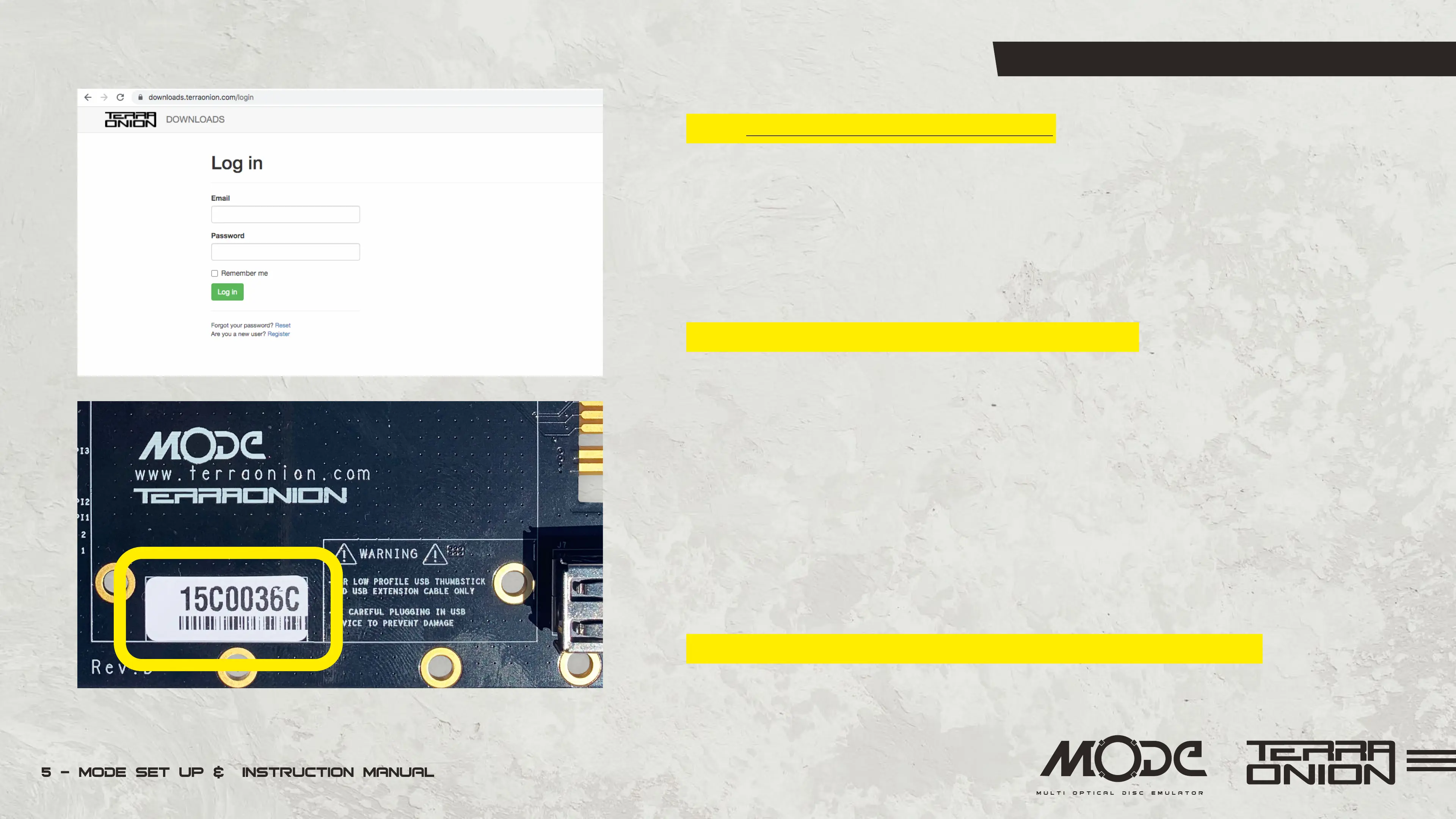
Go to https://downloads.terraonion.com/ and login with your username and password.
If you have never registered a Terraonion device before, please create an account.
During the account creation part it will ask you to enter the serial number of your
device. Shop account is different than downloads account so a new account has to be
created in order to access Downloads section
You can find the serial number one of two ways:
• On the MODE PCB itself there is a box that says serial and it will have a printed
serial number label.
• Or if you power on your console and at the MODE menu press the X button (on
Dreamcast) or press C button (on Saturn) to bring up the Options menu. From here go
down to Version and press the A button. This will bring up a box with serial number
info along with firmware information.
By registering your device you gain access to firmware updates.


 To Next Page