16
Getting Ready for Use
1. Downloading the MOES App
The MOES App offers enhanced compatibility compared to the
Tuya Smart/Smart Life App. It functions seamlessly with Siri for
scene control, provides widgets, and offers scene
recommendations as part of its brand-new, customized service.
(Please note: While the Tuya Smart/Smart Life App still works,
we highly recommend using the MOES App.)
2. Account Registration or Login:
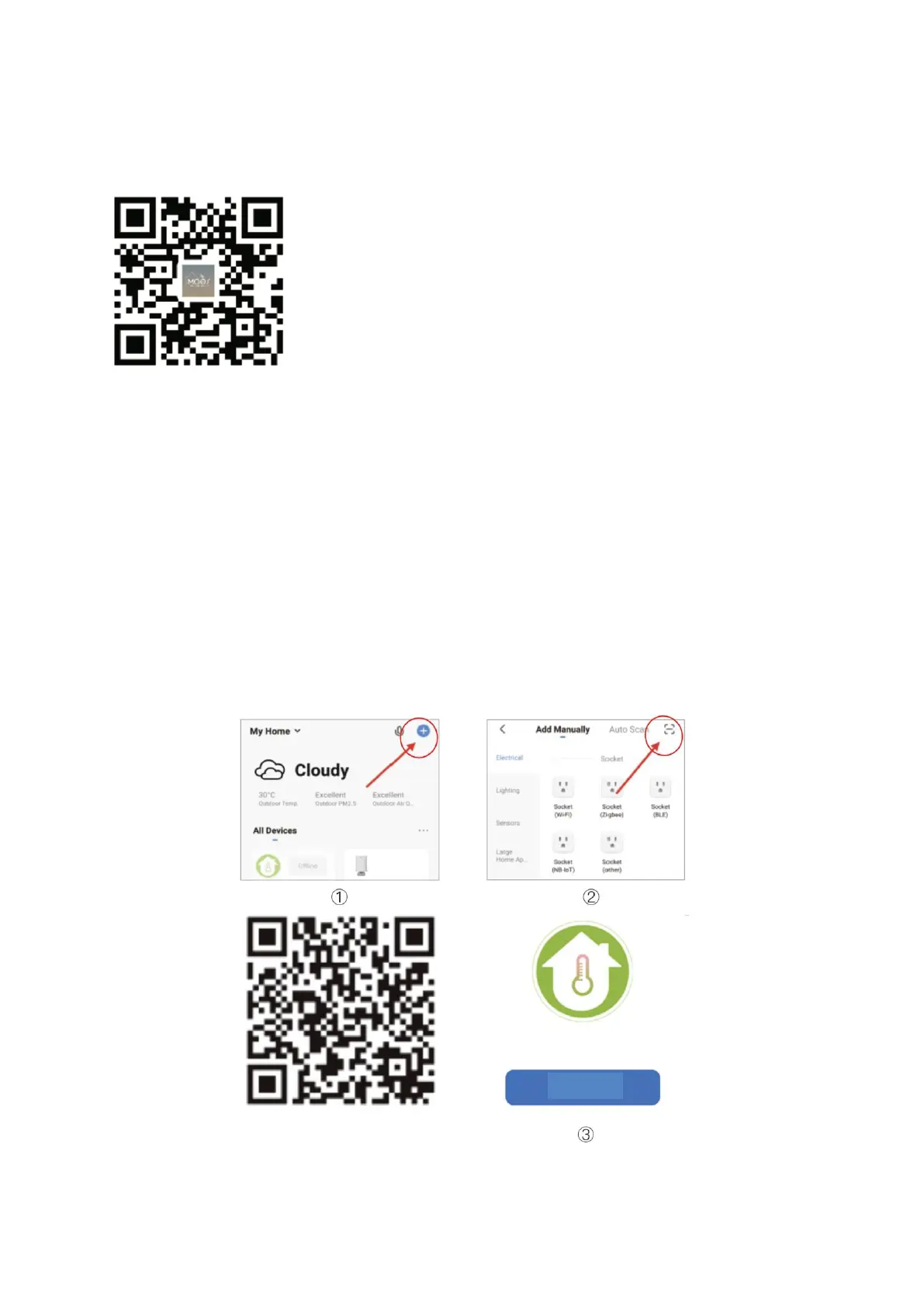
• Download the "MOES" Application from the respective app store.
• Access the Register/Login interface; select "Register" to create an account. Enter
your phone number to receive a verification code and set your password.
• If you already have a MOES account, choose "Log in" to proceed.
3. Connect to the Thermostat
Refer to the tutorial below to finalize the connection and setup process.
• Method 1: Scan the QR code to access the network configuration guide.



 To Next Page