EZ Repair Instructions
Damaged Carrier Locking Pin Assembly
If additional help is needed, please call MoJack Customer Service: 1-877-575-3173.
© MoJack July 2012 Rev. 2
3)
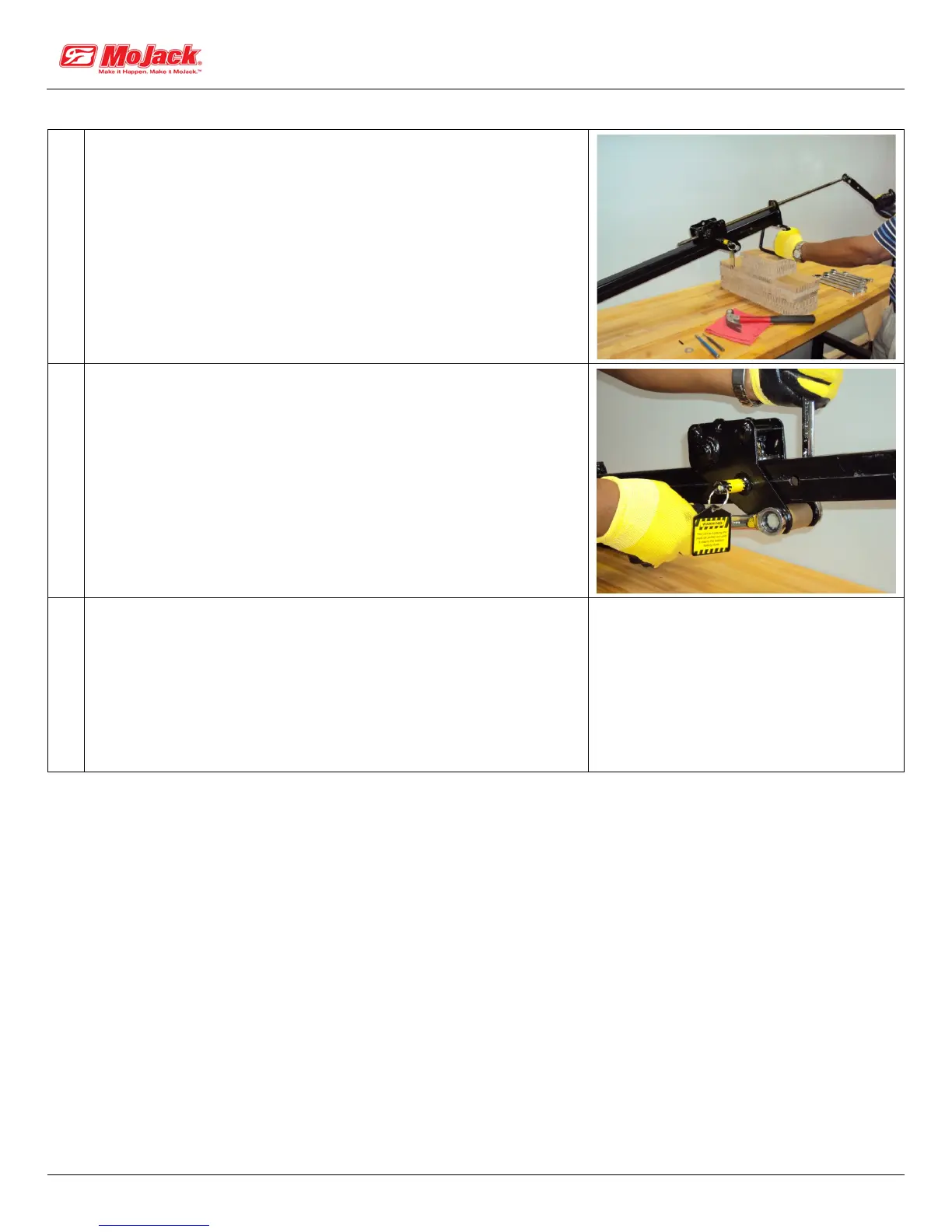
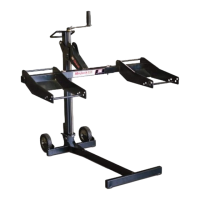
Unscrew the Lift Screw out of the Bronze Nut #28 in the Carrier
Assembly #30, by turning the Crank Handle counter-clockwise.
4)
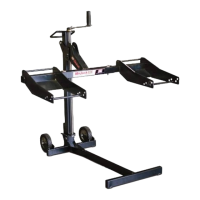
Now that the Lift screw has been removed from the Carrier
Assembly, remove Carrier Bolt #2 (using two 19mm wrenches)
and Rear Carriage Roller #31 which will allow
you to take the Carrier Assembly off of the Tower #40.
• This may require pulling out the Carrier Locking Pin #33 if it
is engaged in one of the locking holes in the Tower.
Remove carrier bolt and roller
5)
• Examine the locking pin hole for old spring or other metal.
• Oil hole before going to the next step.


 To Next Page