14
TROUBLE-
SHOOTING
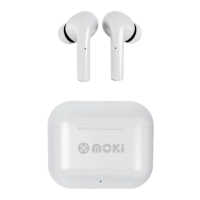
PairBuds don’t turn on when removed from
the ChargeDock
• Make sure the ChargeDock and PairBuds are charged.
• Place the PairBuds back in the ChargeDock remove
again after 3 seconds.
• Switch on manually by holding each PairBud button.
No connection between PairBuds and Bluetooth device
• Make sure the PairBuds are fully charged.
• Check the PairBud LEDs, ensure both are switched on.
• Make sure your device is ON and has Bluetooth
enabled.
• Device must support “Bluetooth Advanced Audio
Distribution profile” (A2DP).
• Bring PairBuds within 1m of your Bluetooth device.
Bluetooth device is successfully paired but no audio
can be heard on the PairBuds.
• Make sure PairBuds are connected. You usually
only “pair” to a device once but if other devices are
available you may need to reconnect manually.
• Make sure the Bluetooth device volume is set to a
comfortable listening level.
• Ensure connected device has its sound settings preset
to “Play audio through Bluetooth” or similar.


 To Next Page