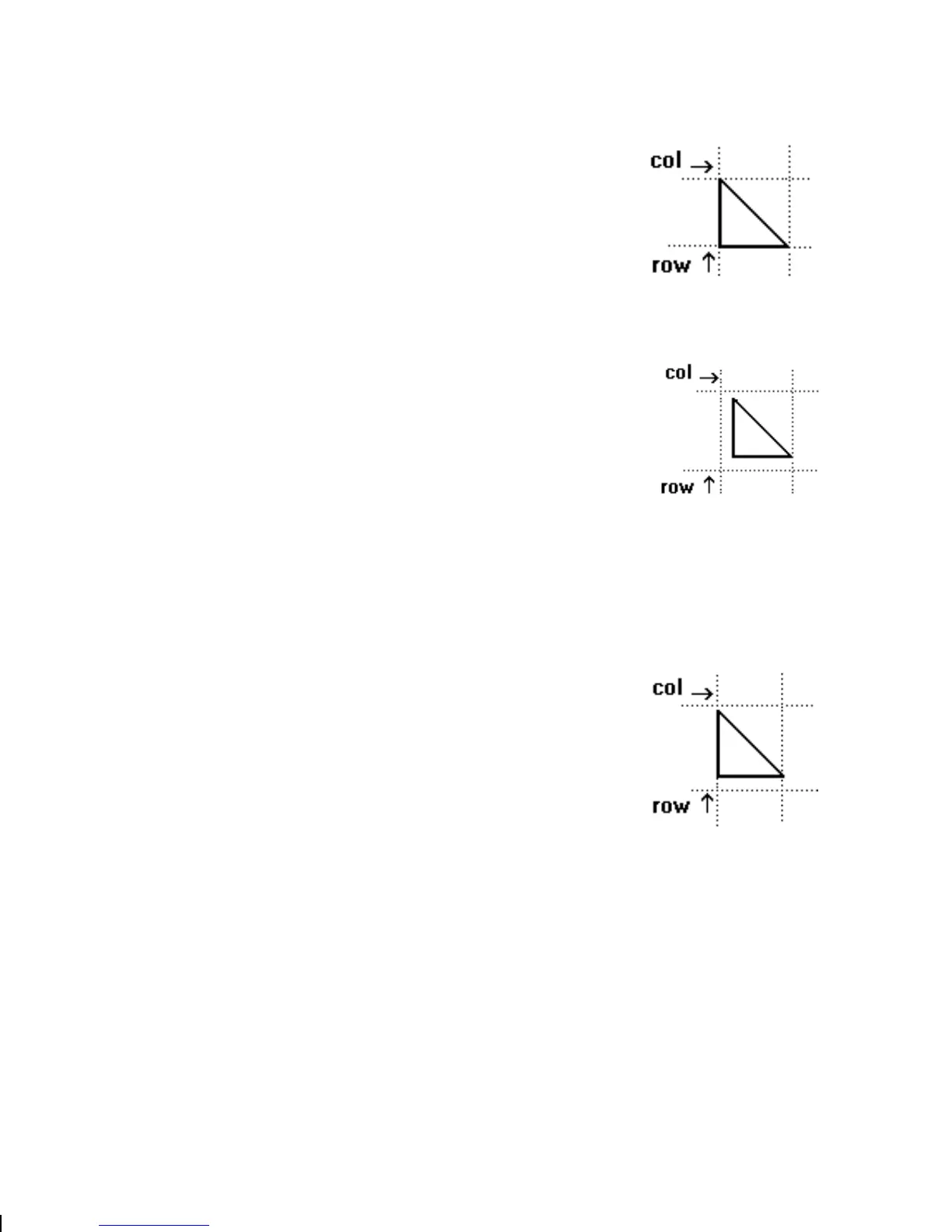
The area enclosed within the dotted lines
represents the graphic image starting at
0,0 (as defined in the graphic header).
If you want a fixed amount of white space
around your graphic image, use
something other than 0 for row and/ or
column.
The area enclosed within the dotted lines
represents the graphic image starting at
0,0 with a fixed amount of white space
(10,10) around the graphic image.
Within the Field
The row and column parameters in a
bitmap, constant text, line, or box field
control where an individual field or
bitmapped row begins in relation to the
coordinates defined in the graphic header.
The bottom of the triangle in this example
represents the first field of the graphic
packet starting at 10,0.
5-12
Creating Graphics



 To Next Page