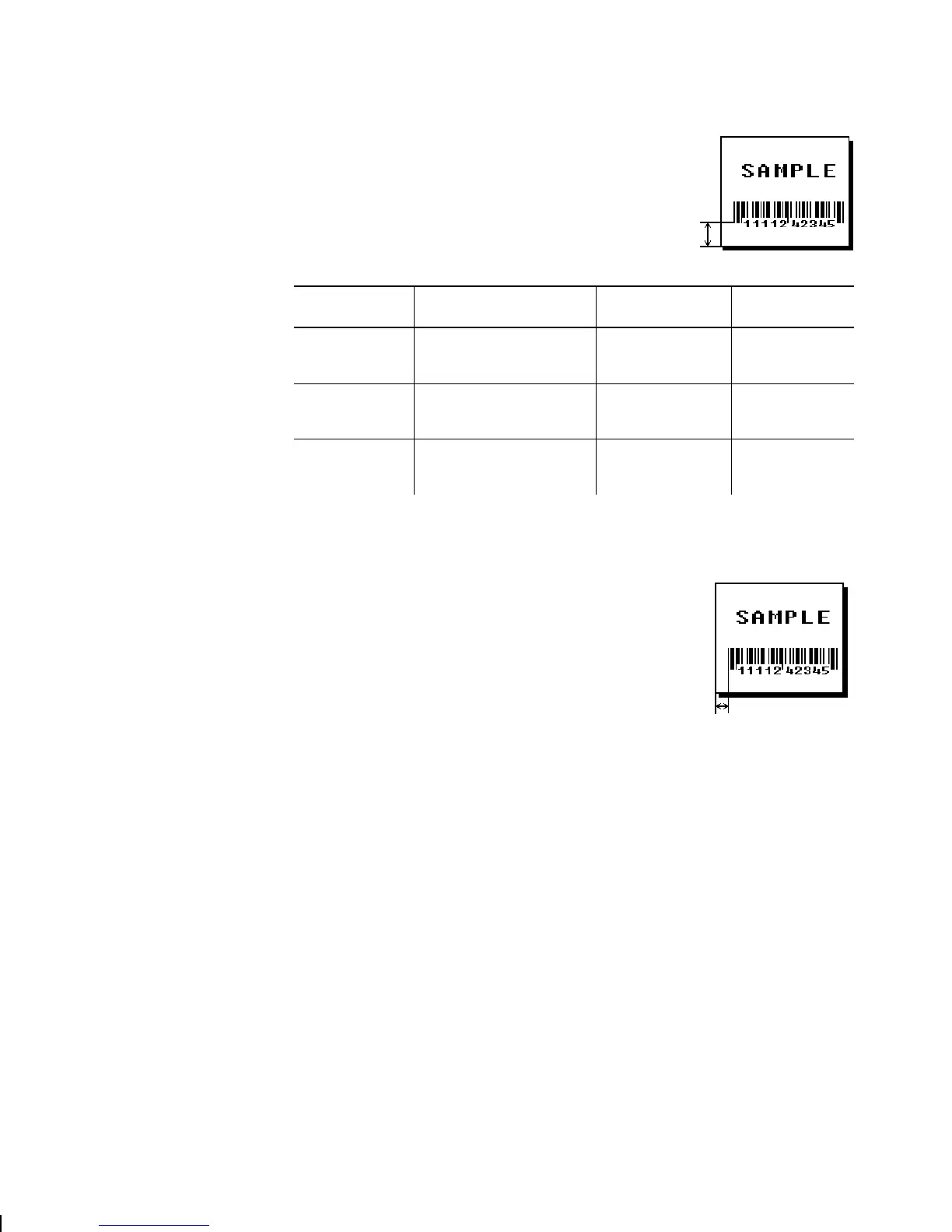
Remember to include text or numbers
that may appear with the bar code for
the row measurement.
Printer Unit of Measure Row or
End Row
Column or
End Column
9403
English (1/100 inch)
Metric (1/10 mm)
203 dpi Dots
0-599
0-1523
0-1217
0-199
0-507
0-405
9825/
9850
English (1/100 inch)
Metric (1/10 mm)
203 dpi Dots
0-1599
0-4063
0-3247
0-399
0-1015
0-811
9850
English (1/100 inch)
Metric (1/10 mm)
300 dpi Dots
0-1199
0-3047
0-3599
0-399
0-1015
0-1199
B6. column Distance from the lower left edge of the print area to the pivot
point. Use the previous table for values.
NOTE:
Allow a minimum of
1/10
inch
between the scan edge of bar
code and label edges or other data.
If using the optional verifier, allow a minimum of 1.3
inches (33 mm) between the bar code and the top of
the label. See "Determining the Print Area" in
Chapter 1 for more information.
3-10
Defining Fields



 To Next Page