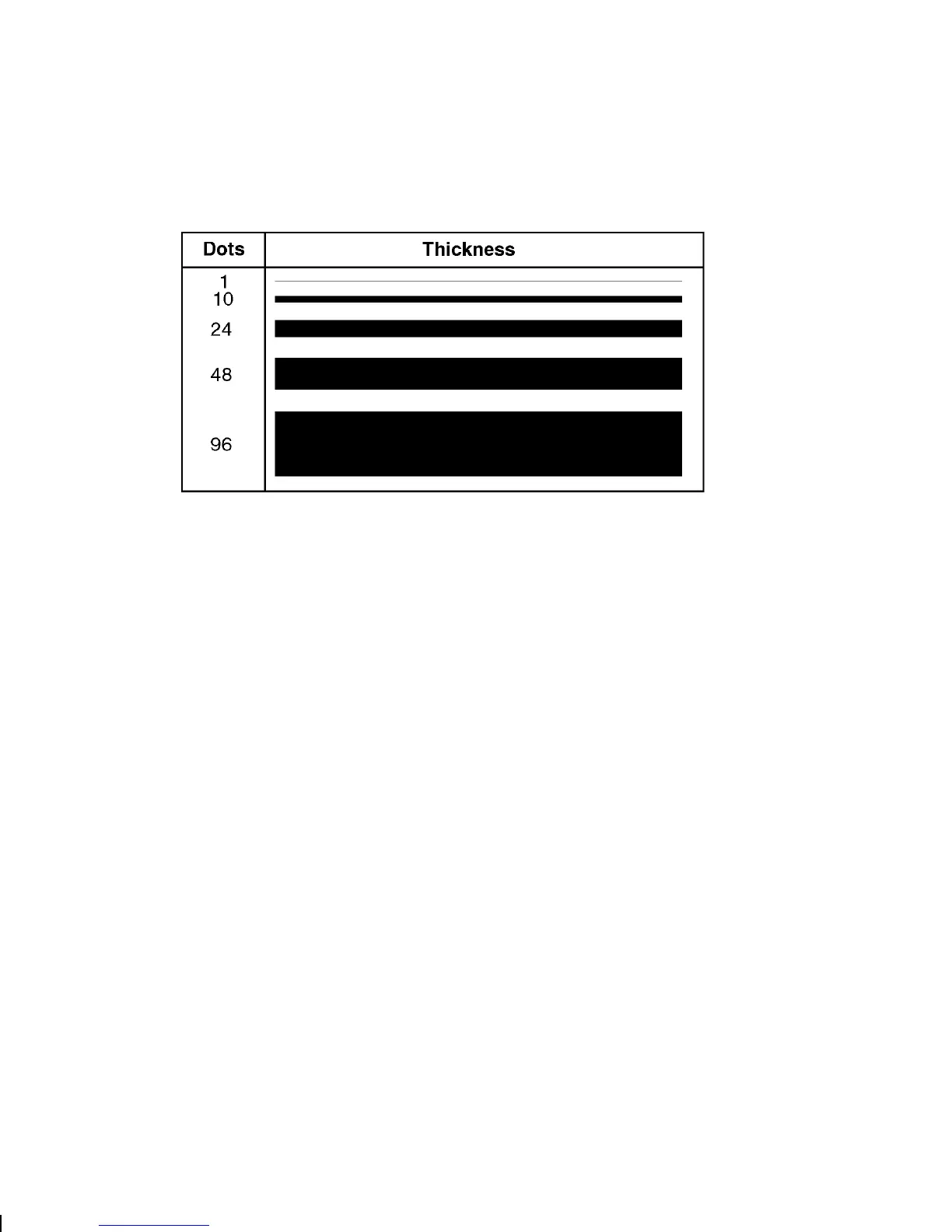
Q6. thickness Using the chart below for reference, write the desired line
thickness (
1 to 99
) in box
Q6
. Measured in dots.
NOTE:
Boxes fill inward, so make sure your boxes do not
overwrite other fields.
Q7. "pattern" Line pattern. Enter
""
.
Example
Q,240,30,270,150,3,"" p
Defines a box field starting at row 240, column 30. It ends at row
270, column 150. It has a thickness of 3 dots.
Defining Fields
3-29



 To Next Page