Potensi Elevator
5
/
13
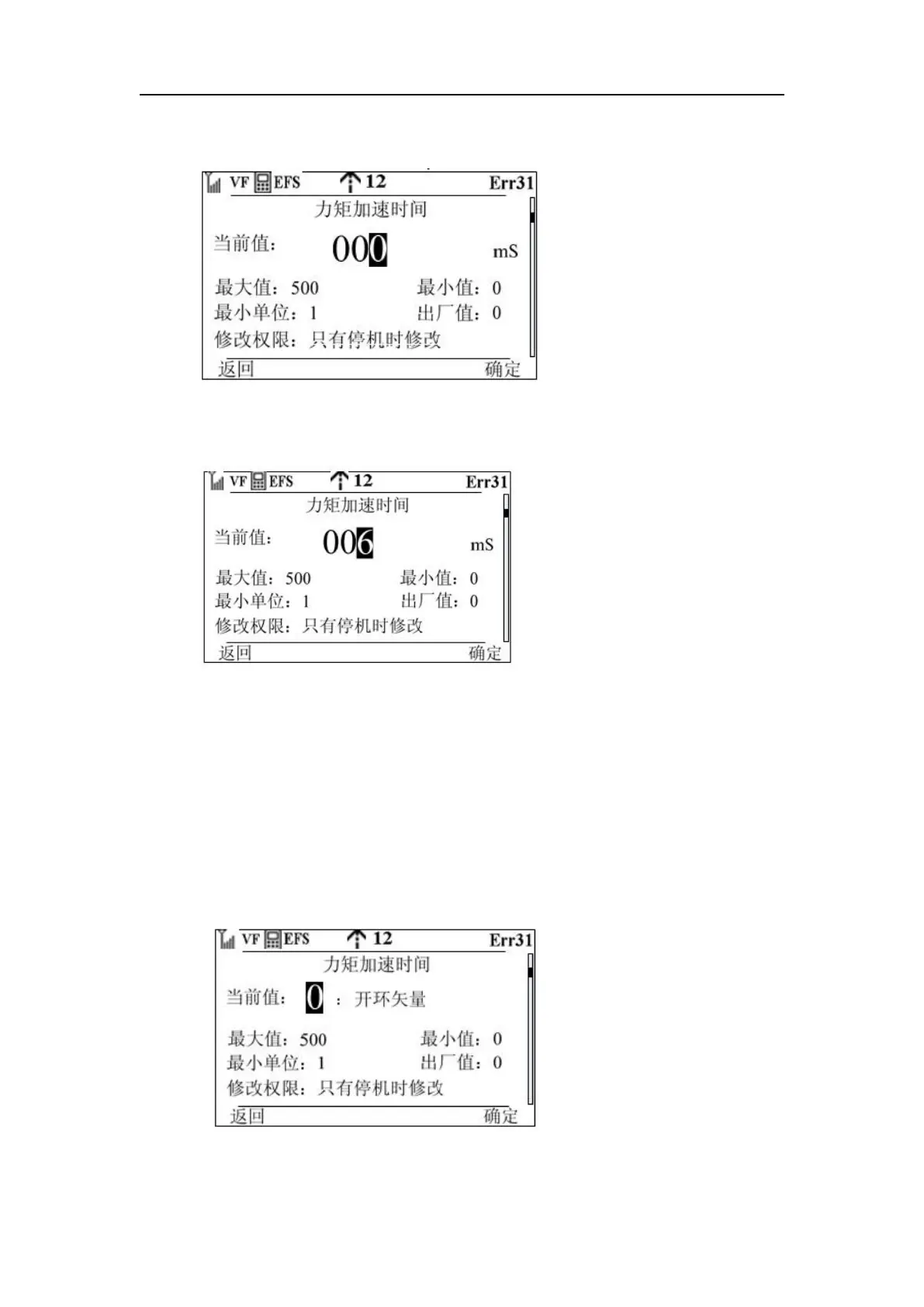
Step 6: Press the OK key, the corresponding knob cursor will flash,
Step 7: Rotate the knob to change the value to 6
Step 8: Press the knob OK key, then the cursor will move directly to the highest position, as
shown in the following figure
Step 9: Press function key 2 to modify the modification successfully exit the modification, when
press function key 1 then directly return, do not modify.
Note:
1. When encountering parameters that modify the value, the operation method is the same, and
there are two other modification interfaces, as follows:
a) The first three steps of the list parameter modification, such as F0-00 have three values (0:
open loop vector 1: closed loop vector 2: V/F mode)
Step 4: Enter the modification screen
Step 5: Press the knob once to flash the cursor and modify the value



 To Next Page