28
Operation
Hinweis: Die Laminierfolie kann leicht zusammenkleben. Bewegen Sie
die Laminierfolie zwischen Daumen und Zeigenger hin und her, um die
beiden Seiten der Laminerfolien voneinander zu lösen.
4.
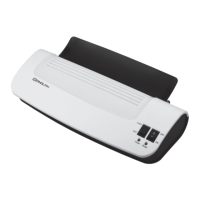
Insert the laminating pouch so that it is centred and with the closed-edge rst
into the laminating pouch infeed slot
2
on the back of the laminator.
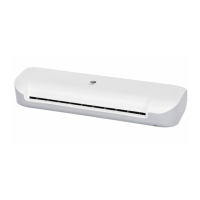
The heating rollers will automatically pull the laminating pouch in and move it
to the laminating pouch infeed slot
4
on the front of the laminator. Do not use
force to pull out the laminating pouch.
5. Remove the laminating pouch and let it cool o briey on a at surface.
− If necessary, you can cut o excessive material after it has cooled o.
− Repeat the process if the laminating pouch has not adequately
adhered to the document.
6. Move the ON / OFF switch to OFF
3
to switch the laminator o.
Removing a jammed laminating pouch
If the laminating pouch was not inserted straight or it becomes jammed in the lami-
nator, proceed as follows:
1. Move the ON / OFF switch to OFF
3
to switch the laminator o.
2.
It is recommended you pull the laminating pouch out in the direction of its larger
end.
3.
You can place the document in a new laminating pouch and laminate it again.


 To Next Page