18
Slide
Switches
DECIMAL SELECTOR SWITCH
Allows selection of up to nine decimal settings
+,F,0,1,2,3,4,5,6.Forexample,whenset
at 2, all totals and results will contain two
KLJPTHSWSHJLZ"H[UVKLJPTHSZ^PSSILWYPU[LK
ordisplayed.InFloating(F)decimalsetting,
results are expressed at maximum decimal
accuracy. When working with dollars and
cents, the Decimal Selector can be set at Add
Mode (+), eliminating the need to enter the
decimal point.
D/PD/N SELECTOR SWITCH
Allowsthe8125tobeoperatedinDisplayonly
mode(dposition),PrintandDisplaymode(pd)
or Print and Display mode with n count (n).
TC/ /GT SELECTOR SWITCH
This switch allows three choices. The tc
positionstandsfor“twocolumn”.The
WVZP[PVU PZ [OL UL\[YHSVMM WVZP[PVU HUK [OL N[
position stands for “group and grand total”.
TIME/CALC SELECTOR SWITCH
This switch allows two choices. In the time
position,the8125assumesentriesarehours
and minutes and operates in time clock
mode. In the calc position, the 8125 operates
normally.
+, F, 0, 1, 2, 3, 4, 6. For example, when set
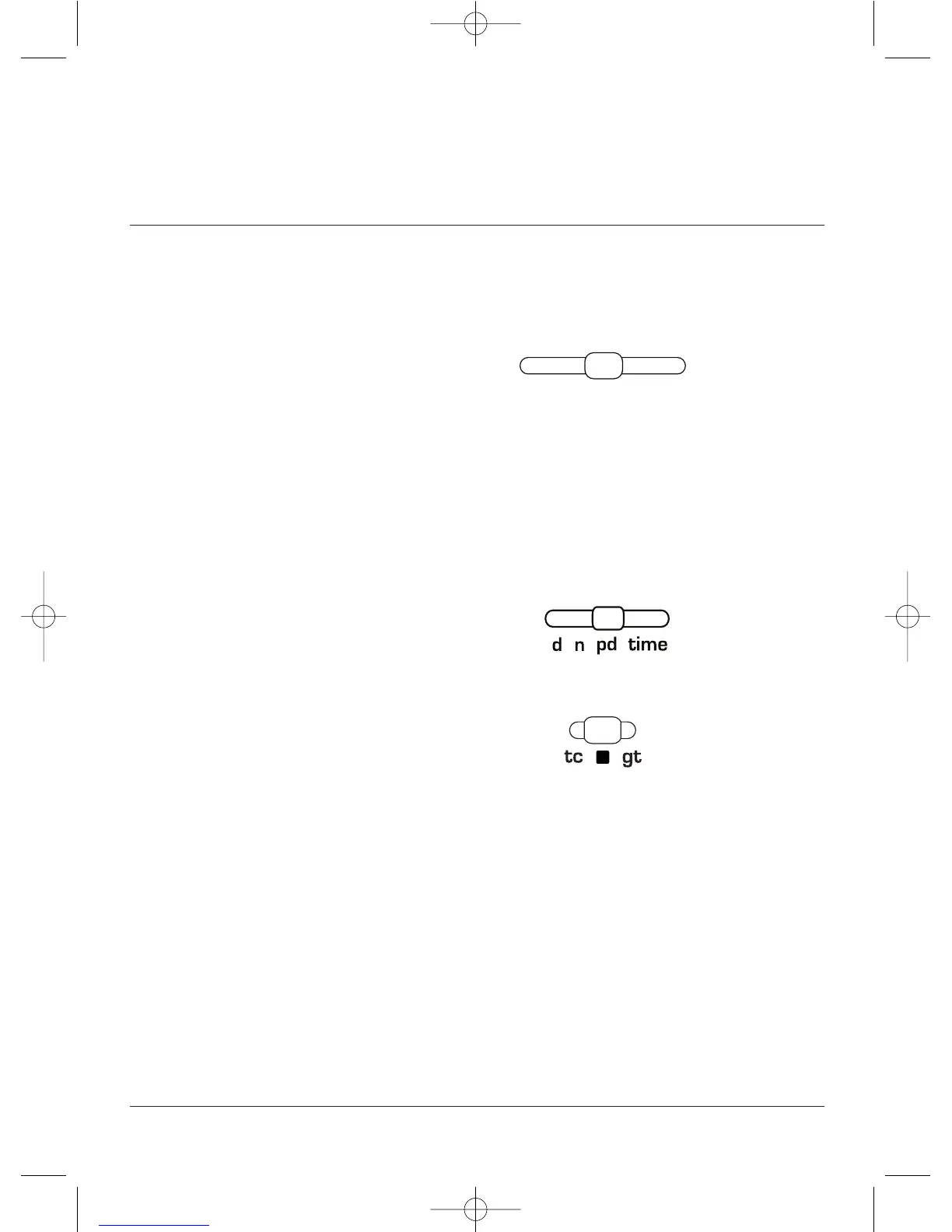
D/N/PD TIME SELECTOR SWITCH
Allows the Ultimate to be operated in Display only
mode (d position), Print and Display mode (pd),
Print and Display mode with n count (n) or time.
In the time position, the Ultimate assumes entries
are hours and minutes and operates in time clock
mode.
TC/n /GT SELECTOR SWITCH
This switch allows three choices. The tc
position stands for “two column”. The n
position is the neutral/off position, and the gt
position stands for “group and grand total”.
+F012346



 To Next Page