52
2
3
4
11
15
12
6
2.00C+
3.00 +
4.00 +
11.0 0 +
15.00 +
35.00
1
òòòò
15.00
11.0 0
11.0 0
12.00
12.00
6.00
Basic Editing
Functions
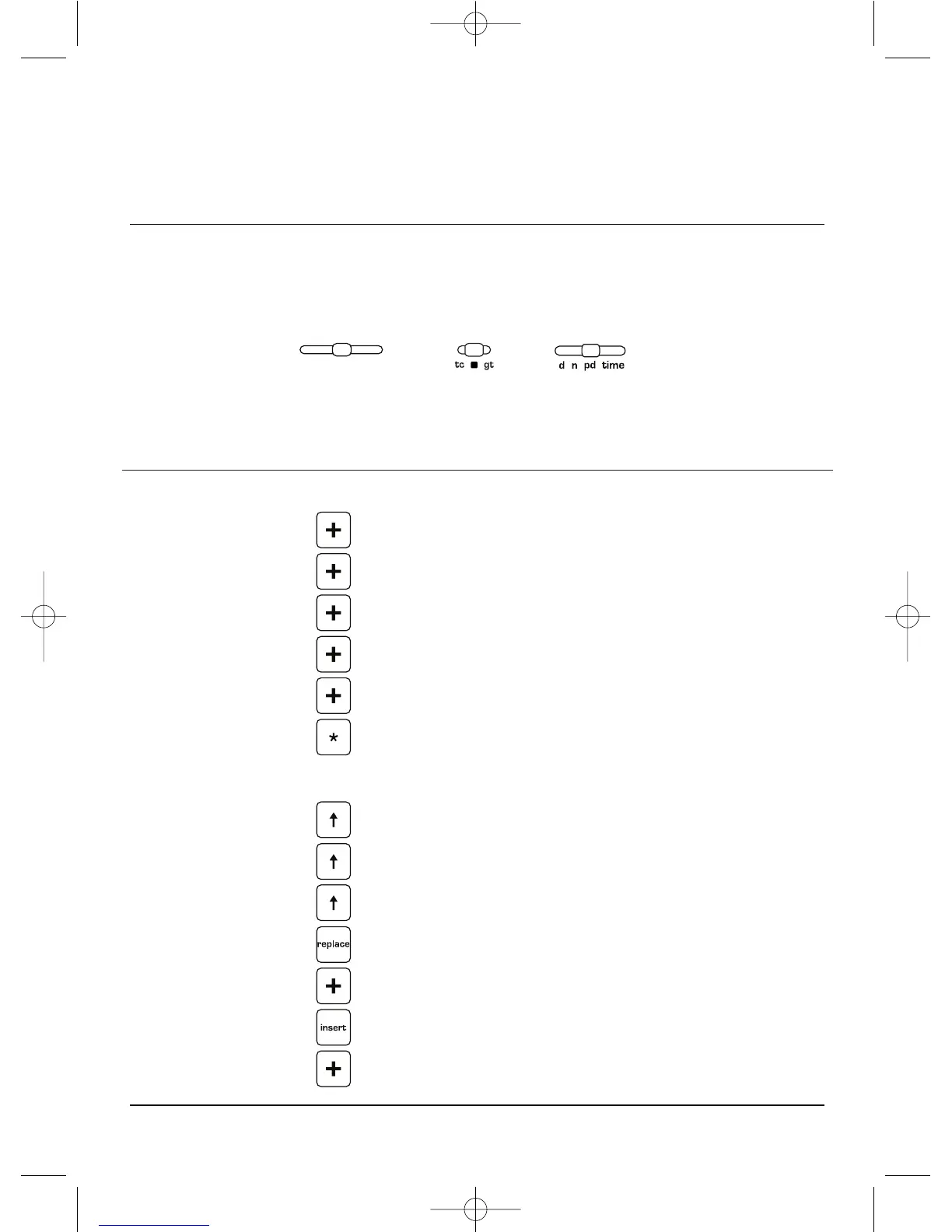
SWITCH SETTINGS
,?(473,
05;/,-6336>05.:,8<,5*,:/6<3+/(=,),,5(5+;/,-0.<9,
>(:3,-;6<;;6;(3;/,:,8<,5*,;/,5*699,*;<:05.;/,,+0;05.2,@:
;OL Ä]L \ZLY KLÄUHISL RL`Z
default to the Editing function.
0M[OLRL`ZOH]LILLUYLKLÄULK
toperformanotherfunction
andyouwishtoreturnthem
to the Editing function, press
+LÄULMVSSV^LKI`HUK
The editing keys permit the
user to scroll through entries
made(oneatatime)up
or down for the previously
completed entries, totals.
Whenanincorrectamountis
displayed, it may be replaced.
Intheeventanamountwas
omitted during listing, navigate
to the location desired, press
Insert, enter the amount
andpressthecorrectmath
operator (+ or – for example).
Theinsertedamountwillbe
inserted.Thetotalwillbe
recalculated automatically. To
replace an entry, press replace,
enter the correct amount then
press + or ò.ToReprinta
ENTER DEPRESS PRINT OPERATIONAL NOTES
ENTER DEPRESS DISPLAY



 To Next Page