EasyManua.ls Logo

Monster ARYOND A24 V1.1 - User Manual

Monster ARYOND A24 V1.1
63 pages
Print Icon
To Next Page IconTo Next Page
Loading...
USER MANUAL
KULLANIM KILAVUZU
MANUAL DE USUARIO
MANUEL DE L’UTILISATEUR
MANUALE UTENTE
BENUTZERHANDBUCH
 
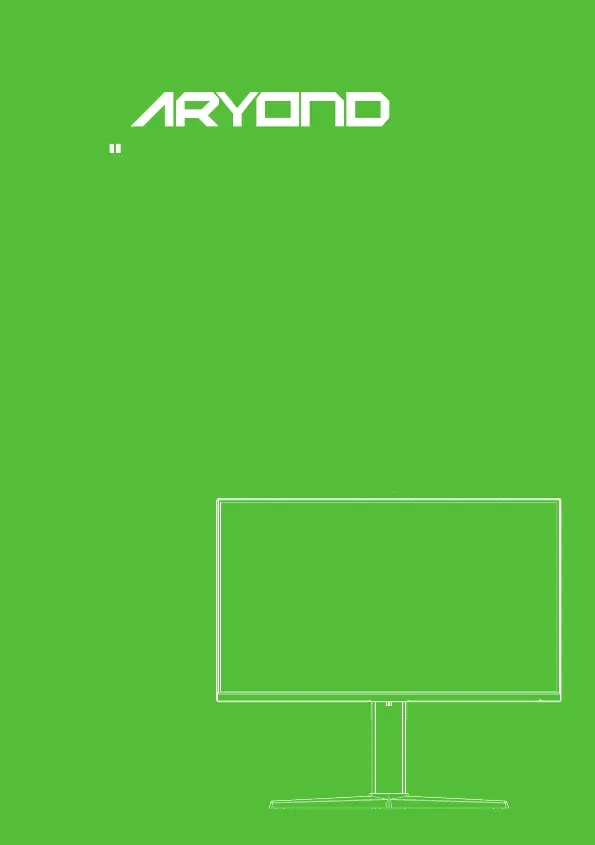
24 Flat Fast IPS Gaming Monitor
A24 V1.1

Questions and Answers

  • D
    dylan22Aug 5, 2025
    How to fix image blurring on a Monster ARYOND A24 V1.1 Monitor?
    • A
      Alexander PetersonAug 5, 2025
      If the image on your Monster Monitor is blurring, or appears too large or too small, enter the “Image Setting” menu and select “Auto Image Adjust”. This will automatically adjust the display settings. (For VGA models only)
  • D
    deborah62Aug 10, 2025
    What to do if my Monster Monitor image is distorted, blinking, or shaking?
    • R
      Rebecca MorseAug 10, 2025
      If your Monster Monitor's image is distorted, blinking, or shaking, check your computer settings. Ensure you've selected the correct resolution and readjust the refresh frequency.
  • J
    Joseph BrooksAug 15, 2025
    How to brighten the image on a Monster ARYOND A24 V1.1 Monitor?
    • J
      James SilvaAug 15, 2025
      If your Monster Monitor's image is too dark, go to the menu and find “Brightness and Contrast”. Adjust these settings to brighten and improve the display's image.
  • M
    Melanie MossAug 20, 2025
    How to troubleshoot a Monster ARYOND A24 V1.1 when the light is out or the power indicator is off?
    • G
      Gwendolyn SaundersAug 21, 2025
      If the power indicator light is off on your Monster Monitor, check that both the display and the socket are properly connected to a power source. Also, verify that the display is not in shutdown mode.
  • W
    Whitney StricklandAug 25, 2025
    Why are there dark or light spots on my Monster ARYOND A24 V1.1 Monitor when powering on?
    • S
      susanpetersAug 26, 2025
      Dark or light spots appearing when you power on your Monster Monitor is normal. This occurs because the backlight illuminates unevenly at the start due to temperature differences. The backlight should illuminate normally after about 20 minutes, correcting the dark/light spots.
  • D
    Diane WalkerAug 30, 2025
    Why does my Monster Monitor make noise when I power it off?
    • K
      Katherine FrancisAug 30, 2025
      The noise heard when powering off your Monster Monitor is a normal phenomenon. It's caused by the display discharging during the power-off process.

Summary

Important Safety Precautions

Product Description

Packing List

Lists items included in the product packaging for installation.

Installation and Connection

Display Installation

Instructions on how to properly mount and position the monitor for safe and stable use.

Ventilation

Guidelines for ensuring proper airflow around the display to prevent overheating.

Signal Line Connection

How to connect display cables (HDMI/DP) from the PC to the monitor.

Audio Output

Information about the monitor's support for earphones and external speakers.

Operation of Display

Power Indicator Light

Explains the function and color changes of the power indicator light.

Rocker Functions Overview

Details the initial state functions of the monitor's rocker control.

Safety Protection

Basic Troubleshooting

Technical Specifications

Product Specifications

Details panel size, resolution, power input, environmental requirements, and dimensions.

Power Supply Management System

Details power consumption in different modes like normal working and standby.

Base Installation Instructions

Language Settings

Monster ARYOND A24 V1.1 Specifications

General IconGeneral
BrandMonster
ModelARYOND A24 V1.1
CategoryMonitor
LanguageEnglish

Related product manuals