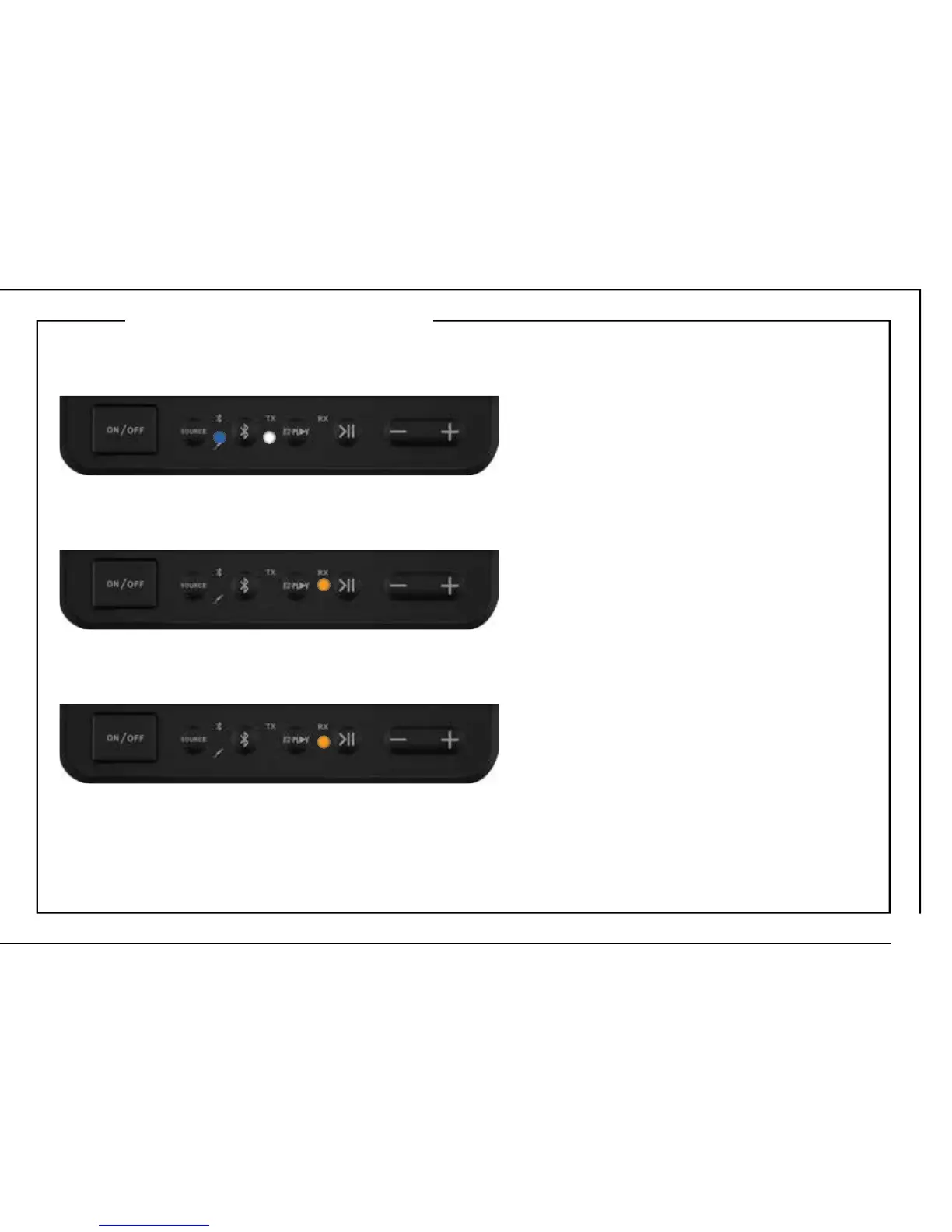
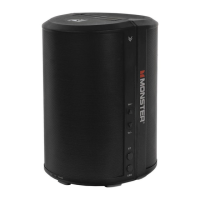
1. Make sure the speaker is powered on.
The Bluetooth BLUE LED and EZ-PLAY TRANSMIT (TX) WHITE LED will fl ash slowly.
4. The RX speaker will automatically connect with a TX speaker that is in Transmit Pairing Mode
and within pairing range (<10 ft). RECEIVE (RX) AMBER LED will stay solid.
5. Repeat steps to add up to 7 RX speakers. Play audio through up to 8 speakers at once.
SET RX SPEAKER (RECEIVING)
2. Press the EZ-PLAY button to change the speaker mode from Transmit to Receive. The RECEIVE
(RX) AMBER LED will fl ash slowly.
3. Press and hold the EZ-PLAY button for 3 seconds to put the speaker into Receive Pairing Mode.
The RECEIVE (RX) AMBER LED will fl ash rapidly.
13










 To Next Page