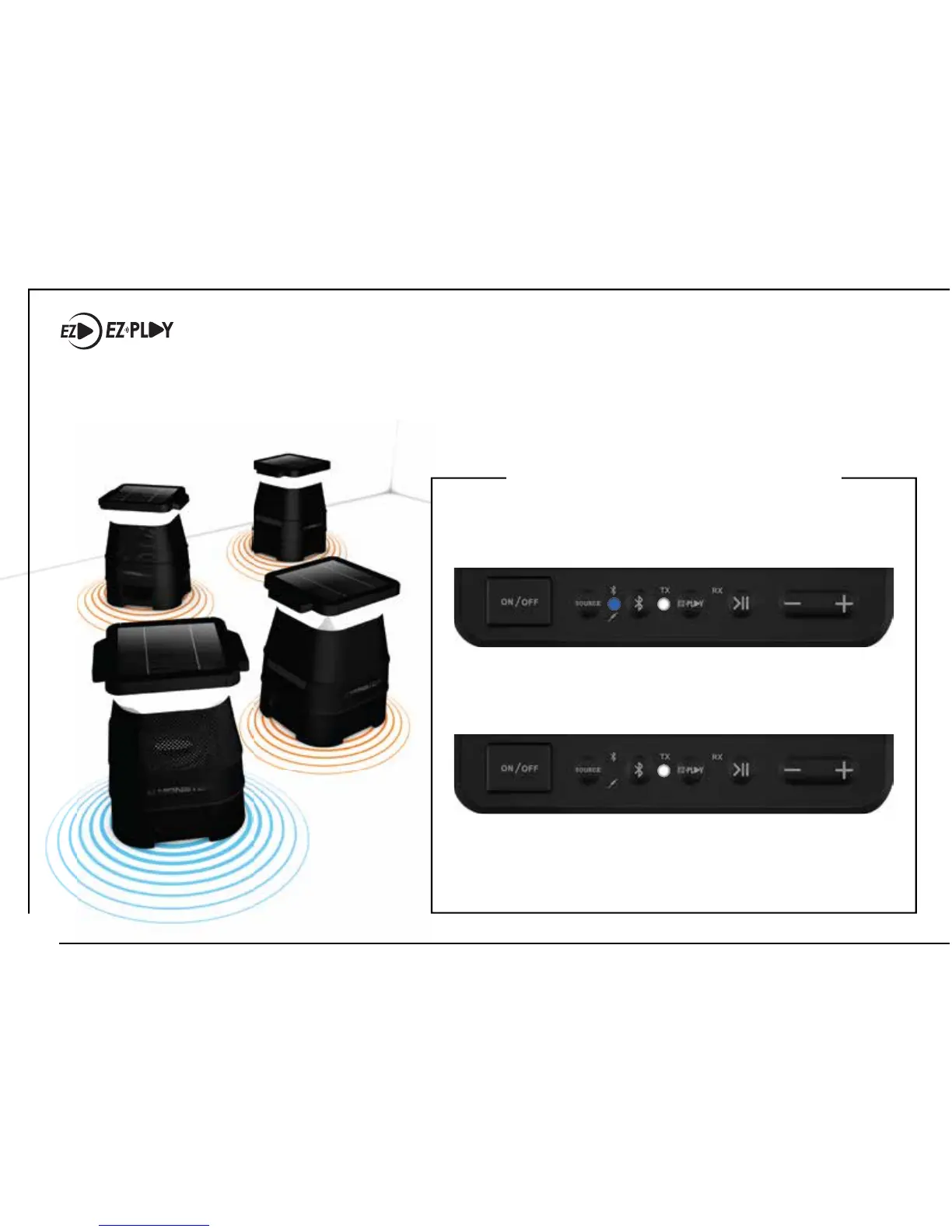
EZ-PLAY WIRELESS CONNECTION (ADDITIONAL SPEAKERS SOLD SEPARATELY)
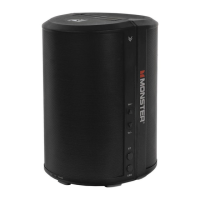
The EZ-Play feature allows you to connect up to 8 compatible speakers and broadcast your favorite
music through all speakers simultaneously – without using a single wire! Speakers can sync and play up
to 100 feet apart from each other, and continue to function e ectively through walls.
1. Make sure the speaker is powered on.
The Bluetooth BLUE LED and EZ-PLAY
TRANSMIT (TX) WHITE LED will fl ash slowly.
2. Press and hold the EZ-PLAY button for 3 seconds
to put the speaker into Transmit Pairing Mode. The
TRANSMIT (TX) WHITE LED will fl ash rapidly.
3. The TX speaker will automatically connect with RX
speakers that are in Receive Pairing Mode and
within pairing range (<10 ft).
SET TX SPEAKER (TRANSMIT)
(RX)
(RX)
(RX)
(TX)
12










 To Next Page