Time/Date/Temperature Setting
1. Long press button to set the time and date. Set 12/24H time mode -> Time -> Minutes -> Year ->
Month -> Day -> °C/°F in orders.
2. Default setting is 24H mode, 00:00, 2019-Jan-1
st
, °C.
3. Press + and – buttons to increase and decrease the numbers, then press button again to confirm
the setting.
4. You can increase and decrease the numbers continously by pressing + and – buttons for while.
5. If no operation occurred for about 15 seconds while setting, it automatically ends the setting mode and
back to the time display.
6. ‘PM’ will be displayed in the afternoon with 12H mode. ‘AM’ will not be displayed separately.
7. Years can be set from 2000 to 2099.
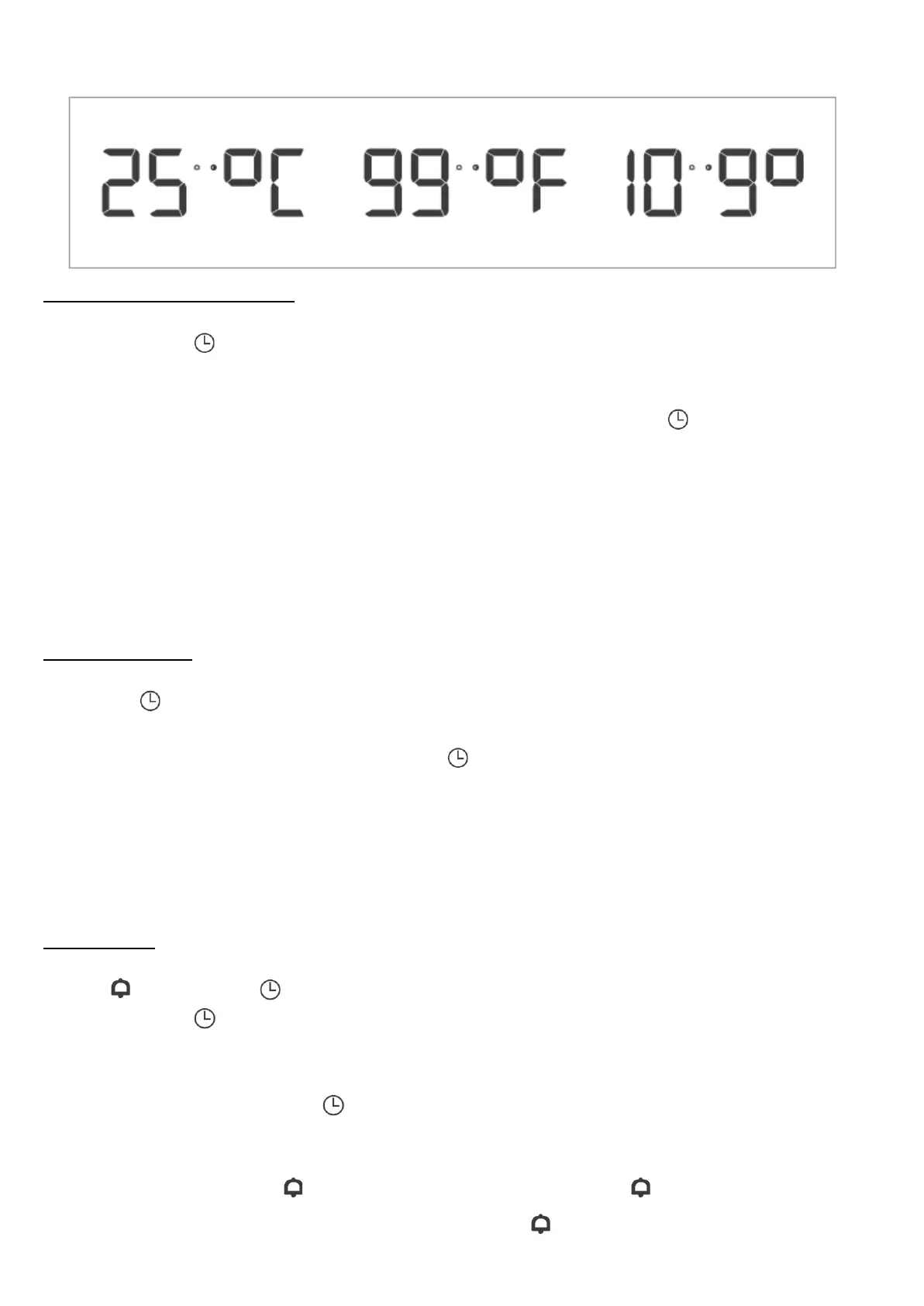
8. Temperature can be set as °C or °F, and the temperature range is from 9°C to ~ 50°C, or from 16°F to
122°F.
時間/日期/溫度設置
1. 長按 設置時間和日期。按順序設置12/24小時制 -> 時間 -> 分鐘 -> 年份 -> 月份 -> 日 -> °C/°F。
2. 默認設置為24小時制,00:00,2019年1月1日,°C。
3. 可按下 + 和 - 按鈕增加和減少數字,再次按下 確認設置。
4. 您可以長按下 + 和 - 按鈕來連續增加和減少數字。
5. 如果在設置期間大約15秒內沒有任何操作,系統將自動退出設置模式,返回時間顯示。
6. 12小時制下,下午將顯示為“PM”,上午並不會顯示“AM”。
7. 年份可以設置為2000年至2099年。
8. 溫度可以設置為°C或°F,溫度範圍從9°C至50°C,或從16°F至122°F。
Alarm Setting
1. icon will blink if button is pressed on the time display to set the alarm.
2. Long press button, the corresponding part will blink. Set alarm hour -> alarm minutes in order.
3. Press + and – buttons to increase and decrease the numbers. You can increase and decrease the
numbers continously by long pressing + and – buttons.
4. To confirm the setting, press button or if no operation occurred for about 15 seconds, it
automatically confirms the setting and back to the time display.
5. Press – button to turn ON/OFF the alarm.
6. When the alarm is ON, icon will be displayed, and when it’s OFF, icon disappears.
7. Press any buttons to disalarm when the alarm goes off. will be displayed, and the alarm will go on
at the same time the next day.


 To Next Page
 Loading...