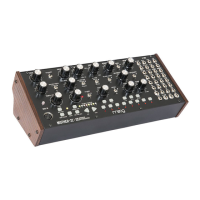
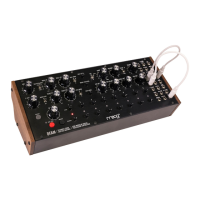
O O PLAY THE KEYBOARD & CREATE A SEQUENCE ON MOTHER-32
O O TEMPO SYNC THE MOTHER-32 AND DFAM
SEQUENCER
CONTROLS
OCTAVE
CONTROLS KEYBOARD
PLAY THE KEYBOARD CREATE A SEQUENCE
1. Hold (SHIFT) and Press the (KB) button
to ensure you’re in KB mode
2. Use the OCTAVE/LOCATION buttons
to select a higher or lower octave
3. Play the Keyboard
1. Clear Sequence
2. Record Sequence
3. Enter Notes
4. Finish Recording
5. Begin Playback
MOTHER-32
DFAM
Press RUN/STOP on your DFAM.
This will ensure that it is ready to play
when it begins receiving a Clock signal
from the Mother-32.
Press RUN/STOP on Mother-32.
Both units should now be playing
in sync.
DFAM
MOTHER-32
To Sync a DFAM to a Mother-32,
simply patch from the ASSIGN output
jack on the Mother-32 Patchbay into
the ADV/CLOCK input on the DFAM.


 To Next Page
 Loading...