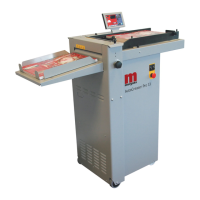
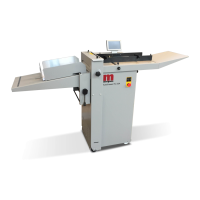
AutoCreaser Pro 50
SYSTEM
Page 37
When you release the E-stop switch, the control system should receive power and begin to
boot-up. After a short period of time you will see the touchscreen become active and display
the boot-up sequence.
If the touchscreen remains blank, check that there is mains power to the machine and to the
E-stop switch, then use the RAP that follows.
Is there power to the ATX PSU?
Check that there is V AC across the ATX PSU power cord.
Identify reason for no power to ATX PSU.
Check 500mA fuse, below the Mains Input connector (See Page 39).
If this fuse has blown replace it must be replaced with a
T500mA fuse, Morgana part number 681-020.
Is thereaVDCoutput from the ATX PSU? (See page 35).
Replace the ATX PSU.
Does the cooling fan run on the mini-ITX motherboard? (See page 35).
Replace the mini-ITX motherboard.
Is thereaVDCpower to the Touchscreen?
Repair the wiring connection.
Replace the Touchscreen Assembly.
FAULT:- No Touchscreen Display, (Machine will not boot up).
IMPORTANT.
·
·
Yes No
Yes No
Yes No
Yes No


 To Next Page