Page 18
CREASING / BOOKLET MAKING
Setting the Machine up as a Creaser
0 Creases
Program 3
Total 20
Reset
Setup
Tools
Feed
Batch Off
Autocreaser
2nd Crease 0.0
1st Crease 297.0
Home
More
Set Creases
Use for all standard size sheets, general purpose.
Use for short non-standard sheets.
Use for very short sheets.
Use for high throughput, see note below.
Do not use stream feed for creases less than 32mm from the leading edge of the paper.
4. (ii) Move the selection switch to the right to select .
(iii) Move the selection switch down to select .
(iv) Rotate the selection switch clockwise or anti-clockwise to adjust the batch quantity
in increments of 5.
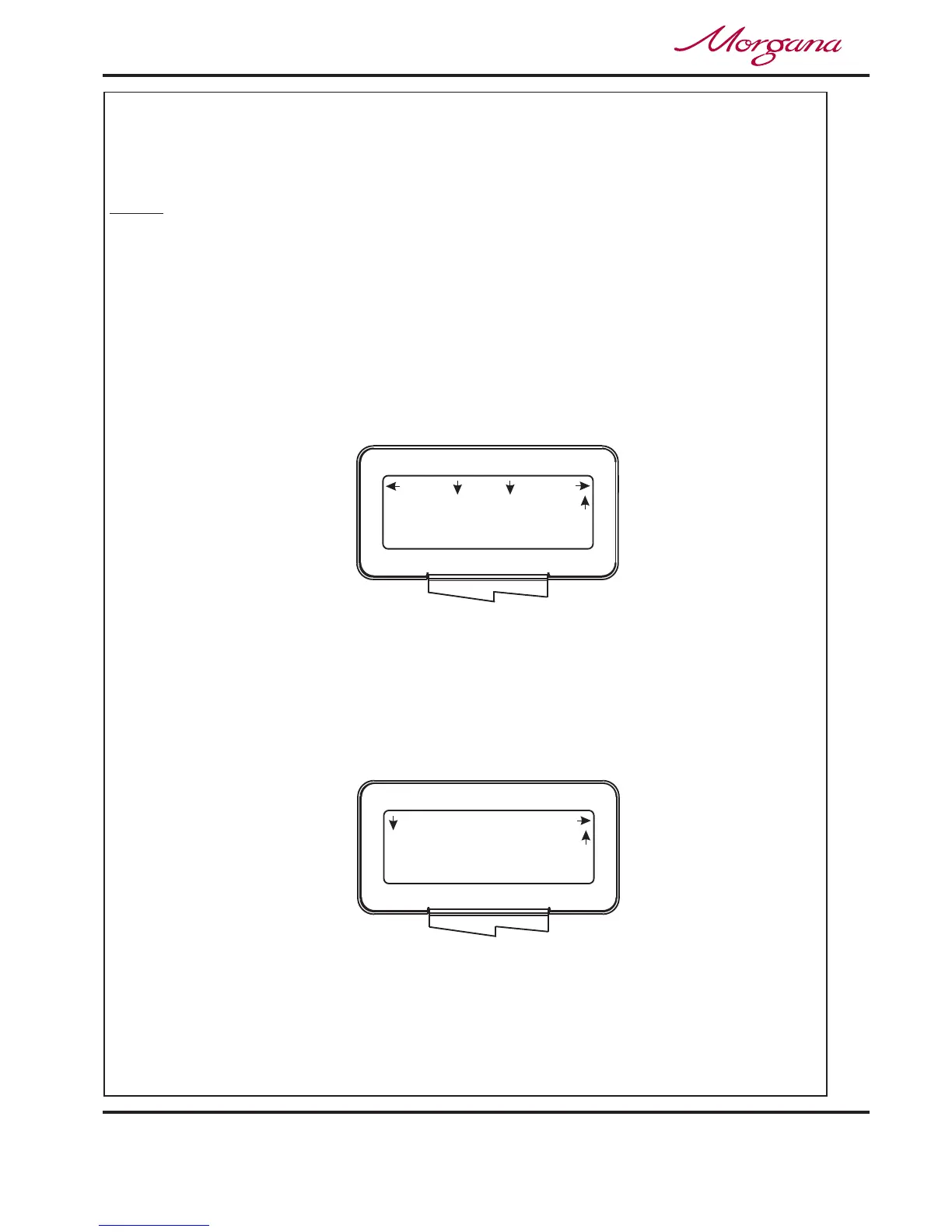
5. Move the selection switch up, one click at a time, until the start up menu is displayed,
(A typical start up display menu is shown below).
(i) Move the selection switch to the right to select .
(ii) Move the selection switch to the right, one click at a time, selecting ;
until the display shows as shown below.
(iii) Following the arrows on the display unit; move the selection switch down to set the
creases. The 1st Crease is now selected.
Long Pulse
Medium Pulse
Short Pulse
Stream Feed
More
Batch Quantity
Setup
More
Set Creases
NOTE.
Setting the batch quantity
Setting the crease positions
NOTE:-
The arrows on the display denote the direction in which the selection
switch must be moved in order to access the various sub-menus.



 To Next Page