Page 29
SYSTEM
Added Pre-Knock
(Normal Knock)
Home
More
Set Knock
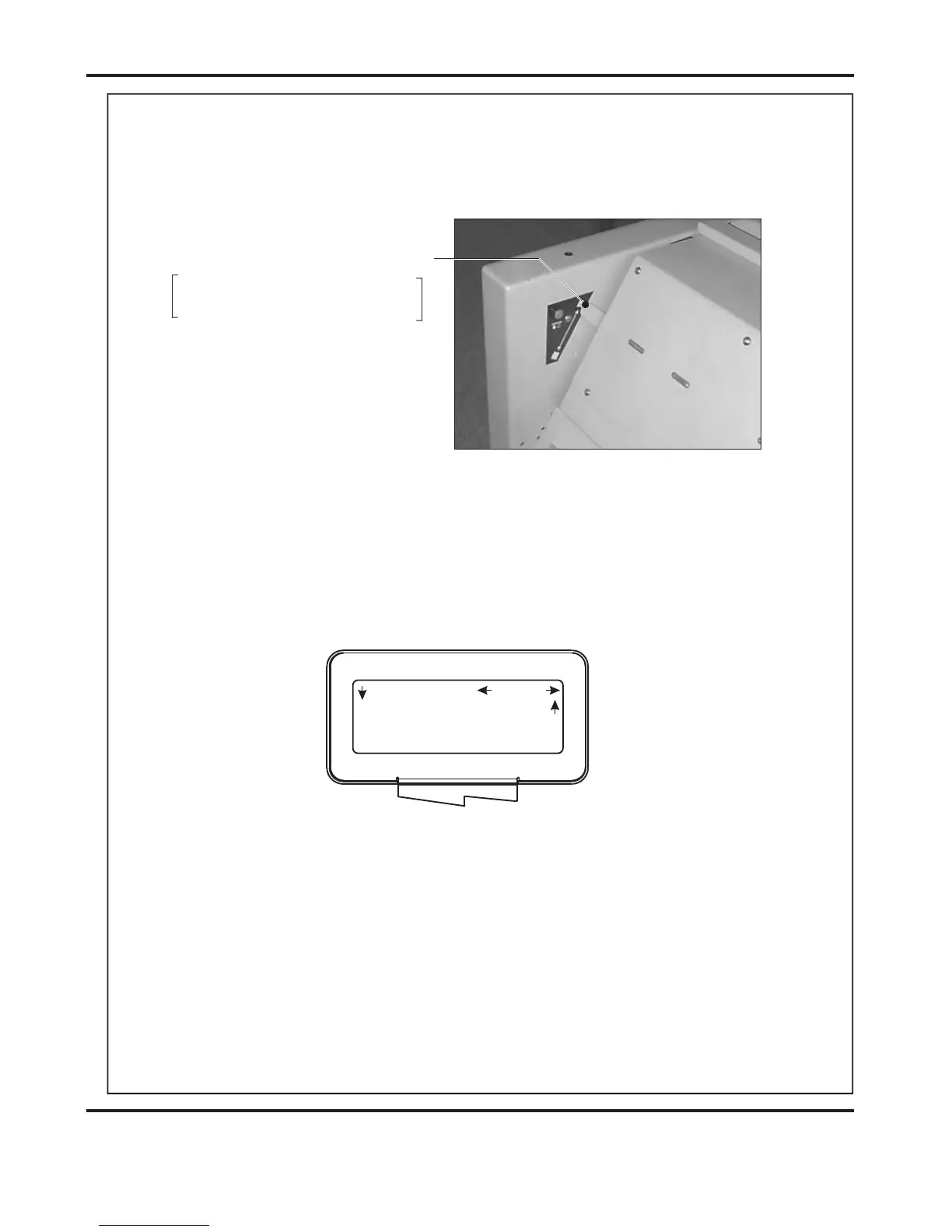
Edge or Centre Staple Selection
Lever Up For Centre Stapling
Lever Down For Edge Stapling
(ii) Set the to . (See page 26 for setting the crease style).
(iii) Set the lever on the Booklet Making Unit to the position,
(Lever in down position).
Crease Style None
Edge Stapling
(ii) Move the selection switch to the right, one click at a time, (selecting )
until the display contains the words .
(iii) Move the selection switch down to select the ype (
).
(iv) Move the selection switch to the right to select
Setting the Set Knock.
More
Set Knock
Set Knock t Long
Knock, Double Knock, PreStitch Delay & Pre-Fold Delay
Select.
9. From the Booklet Maker start up menu, the can be set as
follows:-.
(i) Move the selection switch to the right to select .
.
Set Knock
Setup
DocuMaster MK3



 To Next Page