Page19SYSTEM
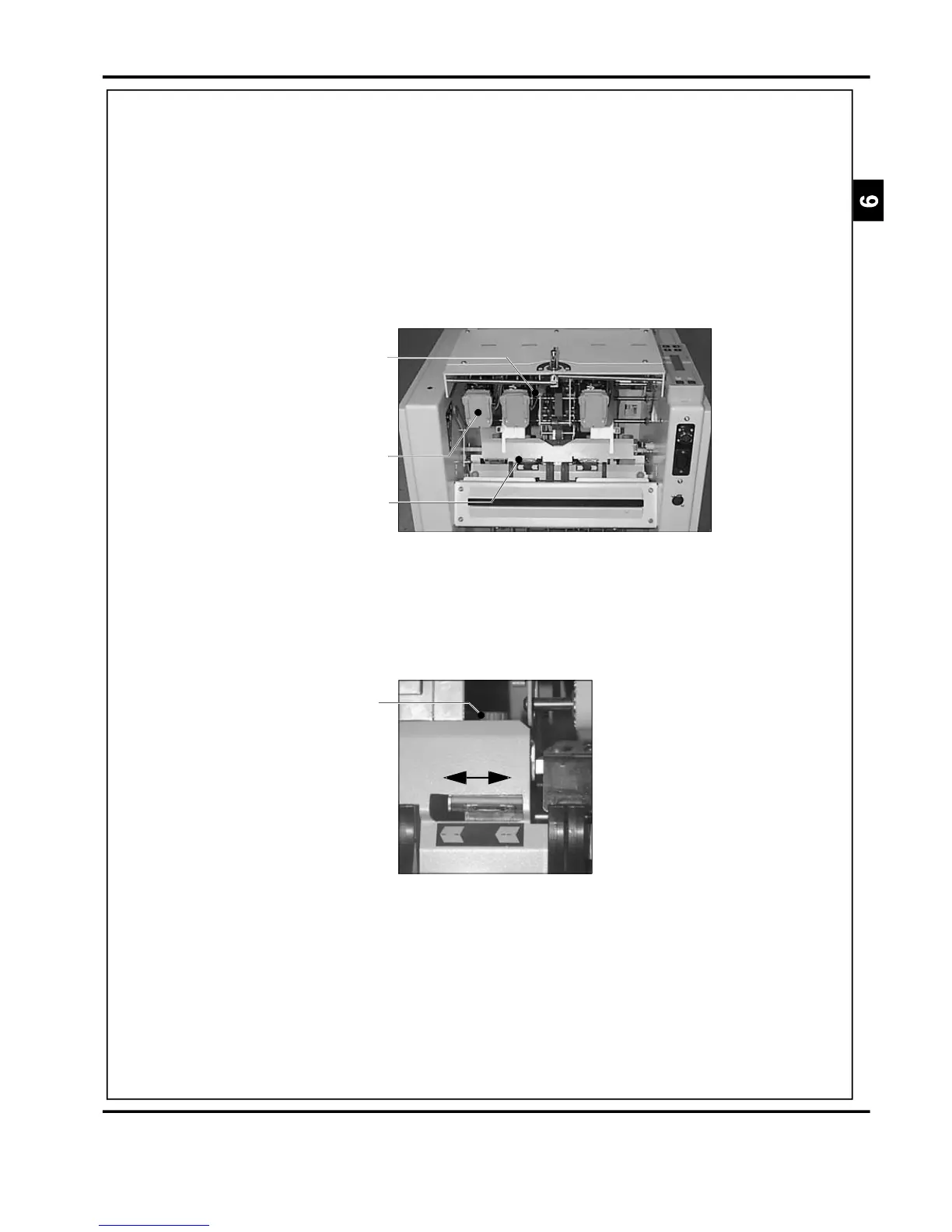
StapleHeadAdjustmentLever
FIGURE24
Clincher
Optionalthirdstaplehead
FIGURE25
OrangeHandScrew
Fitthenewcartridgeandcheckthemachineoperation
bymakingafewtestbooklets.
ADJUSTINGTHEThestapleheadshavetwopositions.Normallytheheads
POSITIONOFTHEshouldbeintheouterposition(138mm,5.4"between
STAPLEHEADSstaplecentres).Forsmallbookletstheinnerpositioncan
beused(115mm,4.5"betweenstaplecentres).Movethe
lever(seeFigure24)totherighttoselecttheinner
position.
Whenadjustingthestapleheads,ensurethestaple
clinchersaremovedtosuit.Toadjust,loosentheorange
handscrew(seeFigure25)andslidetheclincherfully
acrossintherequireddirection.Tightenthehandscrew.
DocuMasterPro



 To Next Page