Page5SYSTEM
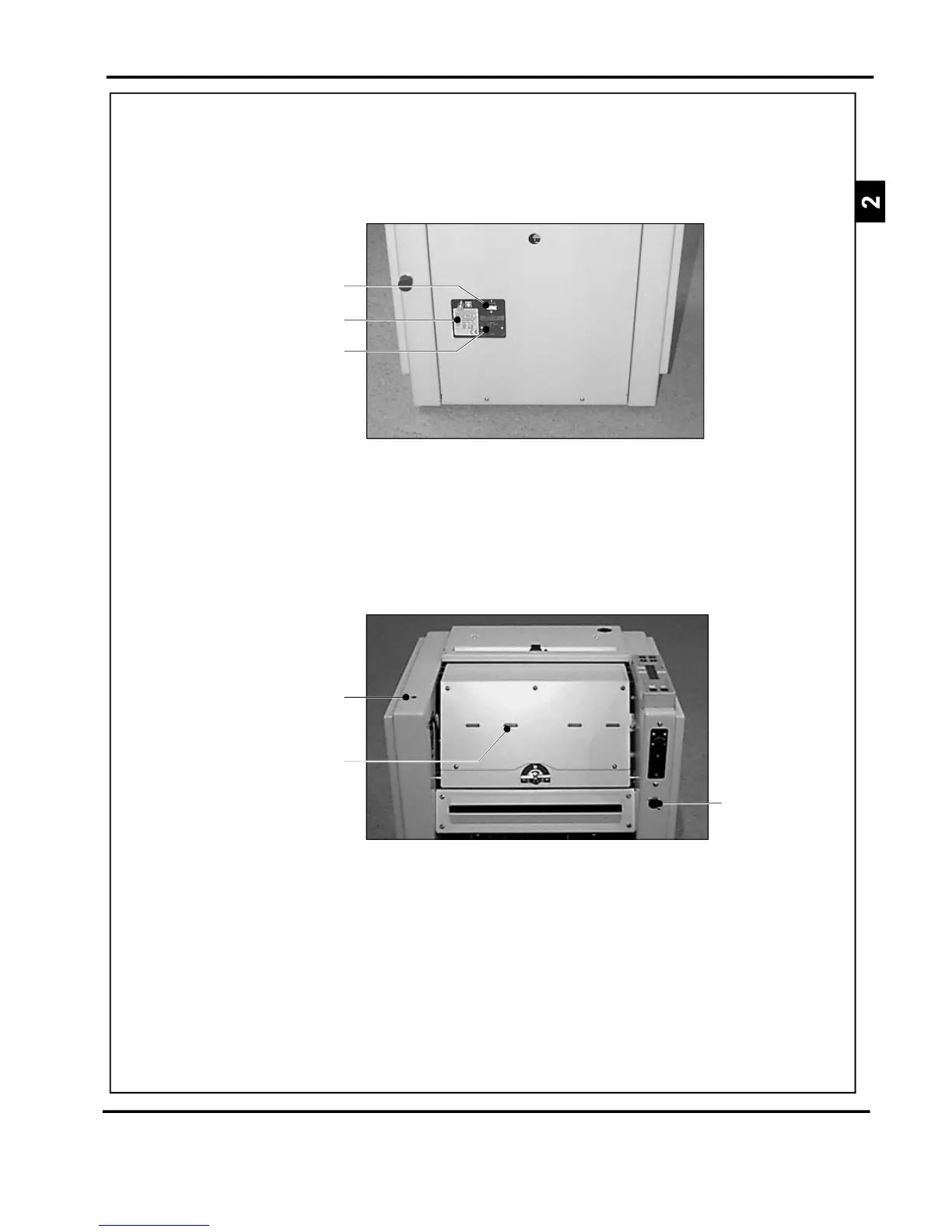
MainsInput
MainsON/OFFSwitch
VoltageIndicatorLabel
FIGURE5
FIGURE6
Conveyor
Socket
StatusIndicatorLight
(Yellow)
StapleHeadIndicatorLight
(Red)
SWITCHINGONPlugintheBMPunittoasinglephasepowersupplyof
thecorrectvoltageasindicatedbythemainsinput(see
Figure5).
Alsoensuretheoutfeedconveyorcableisconnectedto
thesocketontheBMP(seeFigure6).IftheTMPis
installed,ensurethatthistooisconnected(seep.30).
MOTORISEDINFEEDAnoptionalMotorisedInfeed(P/N041-571)is
recommended.ThisfitsontotheBMPinfeedandmakes
offlineuseeasier.Apapertray(seeFigure7)issupplied
withtheMotorisedInfeed.
DocuMasterPro



 To Next Page